
Tili Ota yhteyttä
Ostoskorisi
Toimitus DPD & FedEx
Tarvitsetko apua? Kysy AI:lta

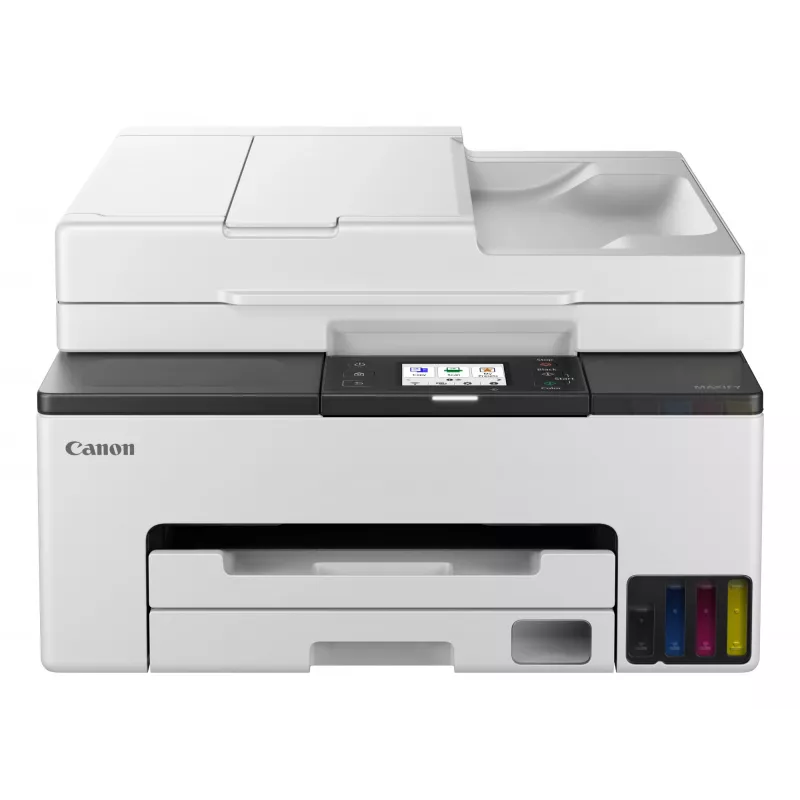
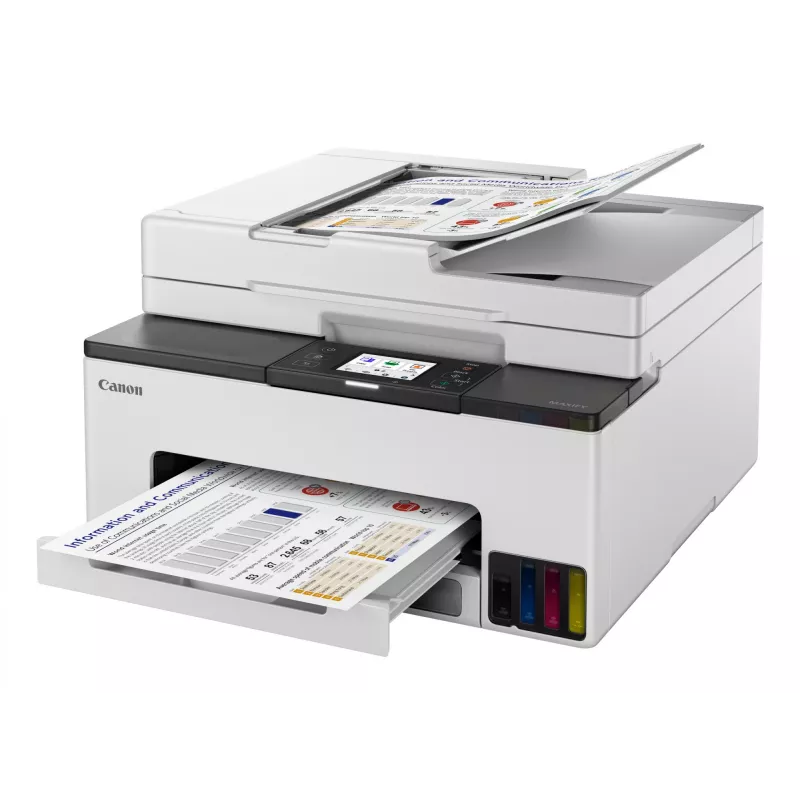
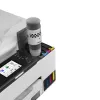
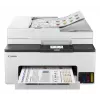
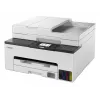
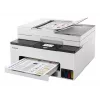
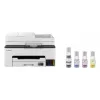
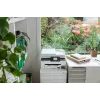
Canon MAXIFY GX2050 mustesuihku A4 600 x 1200 DPI Wi-Fi

Canon MAXIFY GX2050 mustesuihku A4 600 x 1200 DPI Wi-Fi
437,73 €
The Canon MAXIFY GX2050 Inkjet Gray is a 4-in-1 multifunction printer designed for home offices and small businesses that need reliable everyday printing, scanning, copying and faxing. Its ink tank design with high-capacity refill bottles provides extended page yields, while a compact footprint and ... Lue lisää
Varasto Loppu varastostaEi varastossa Tuotekoodi 765455 Merkki Canon Malli 6171C023 Takuu 2 vuotta

Toimitus ja palautukset

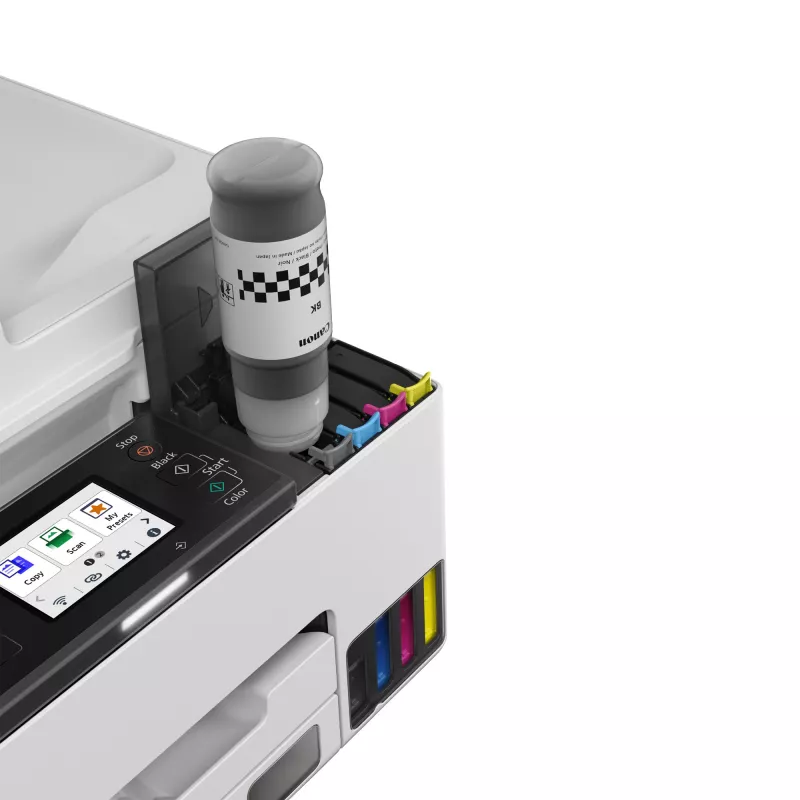
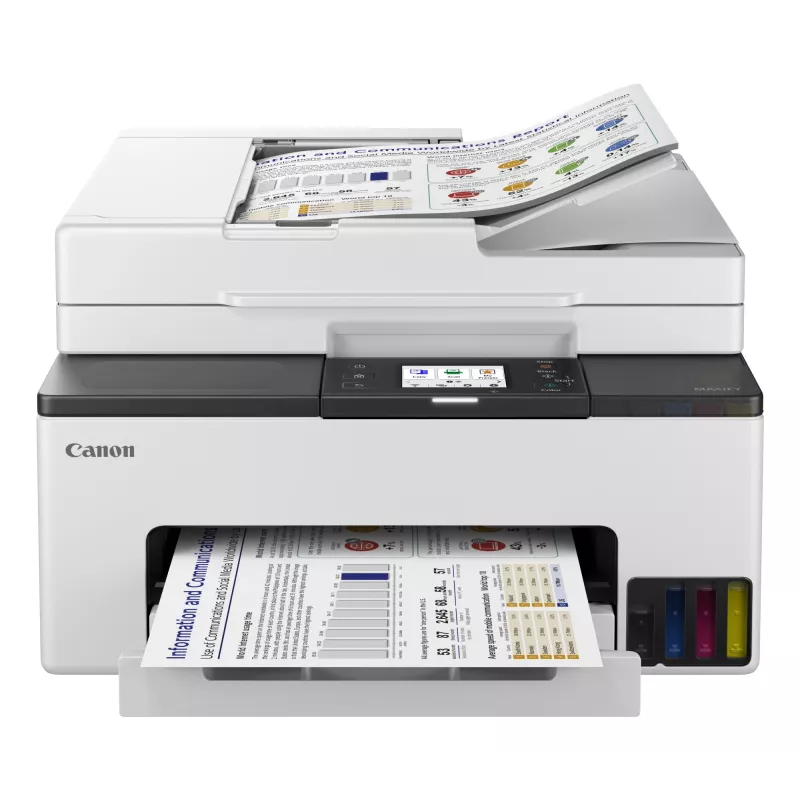
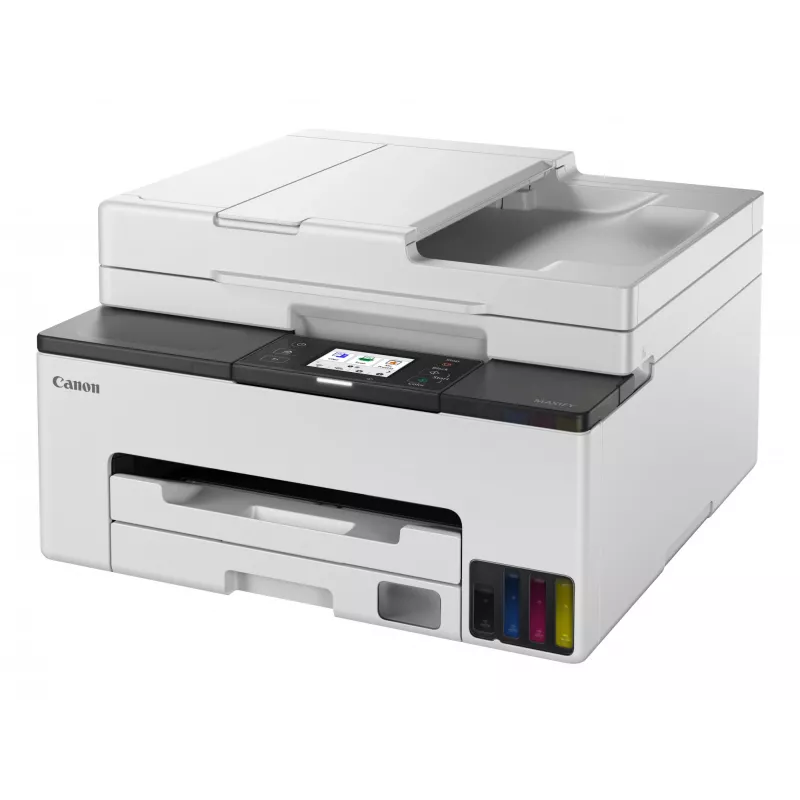
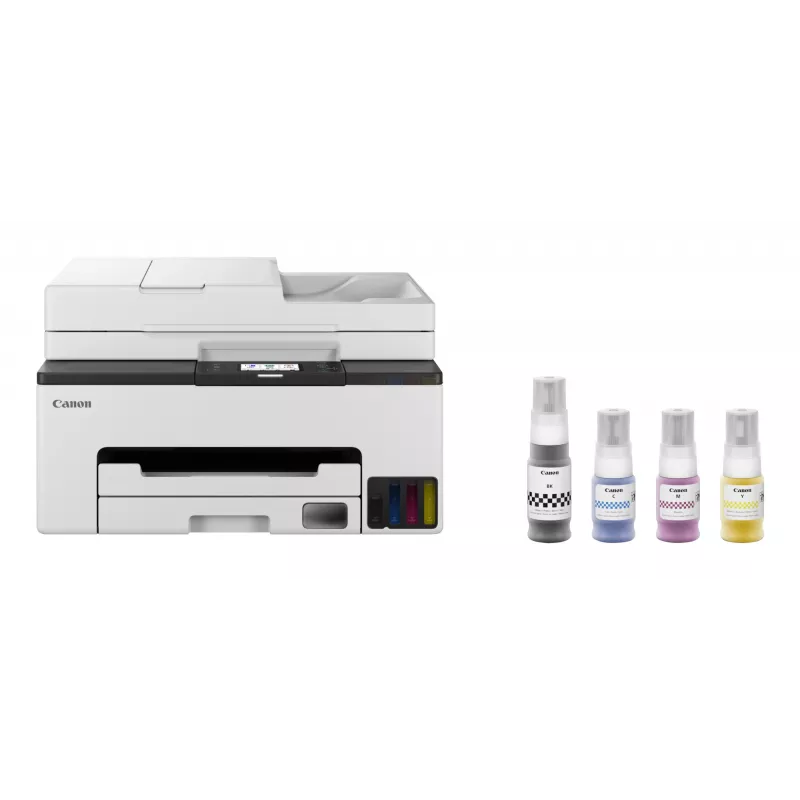
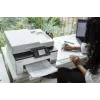
The Canon MAXIFY GX2050 Inkjet Gray is a 4-in-1 multifunction printer designed for home offices and small businesses that need reliable everyday printing, scanning, copying and faxing. Its ink tank design with high-capacity refill bottles provides extended page yields, while a compact footprint and straightforward controls make it suitable for environments where space and running costs matter.

Advantages

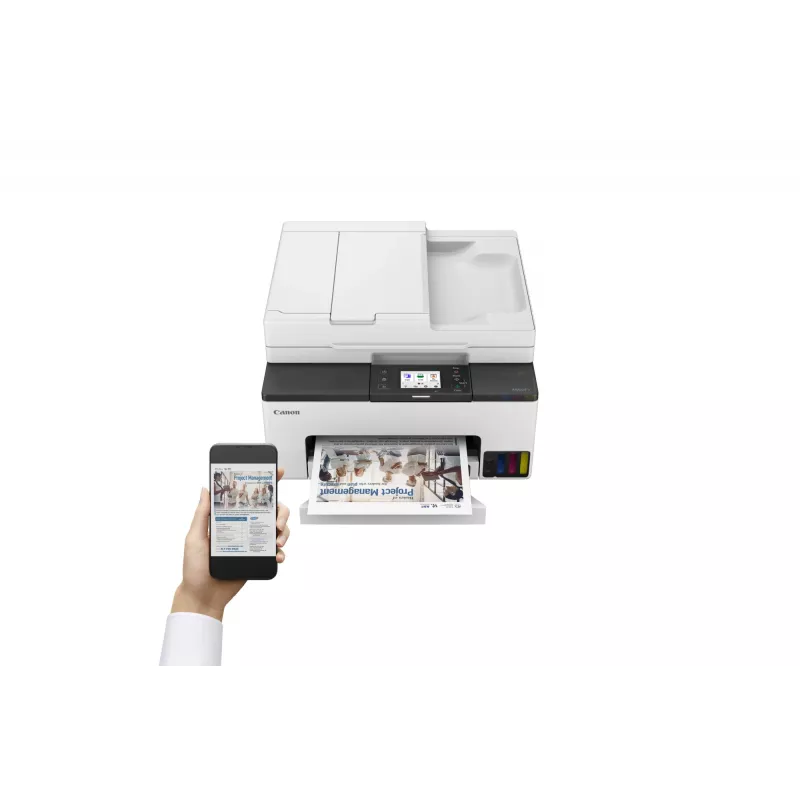
The printer delivers high page yields from refillable ink bottles, reducing the frequency of replacements and lowering cost per page. Fast monochrome and colour print speeds support efficient document production. Built-in scanning and copying expand document handling capabilities, and wireless connectivity enables printing from mobile devices or networked computers. A compact chassis and intuitive front-panel controls simplify placement and day-to-day operation.

Suitable for

  • Home office document printing and scanning
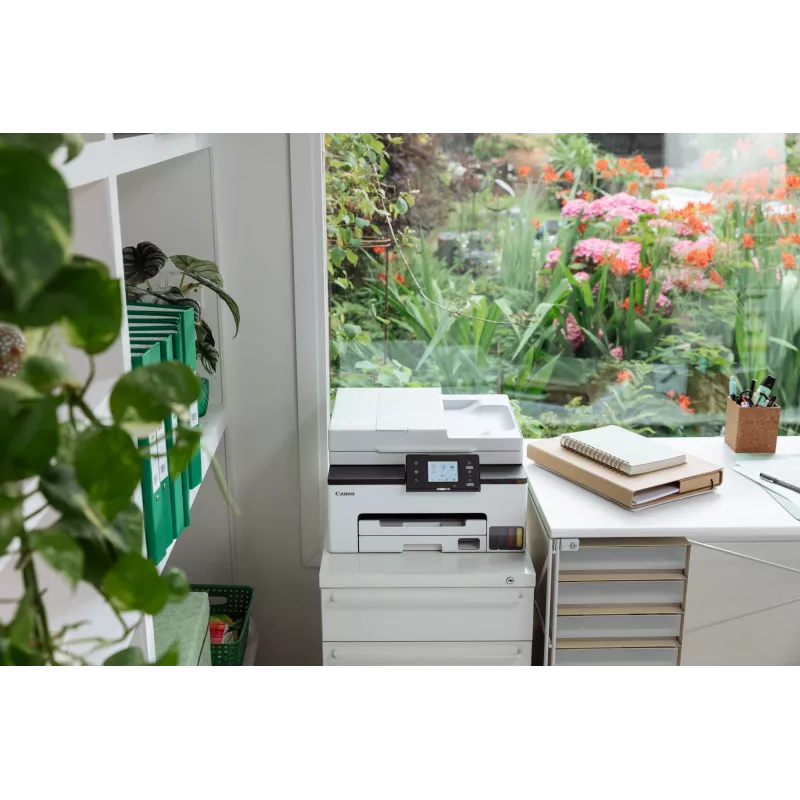
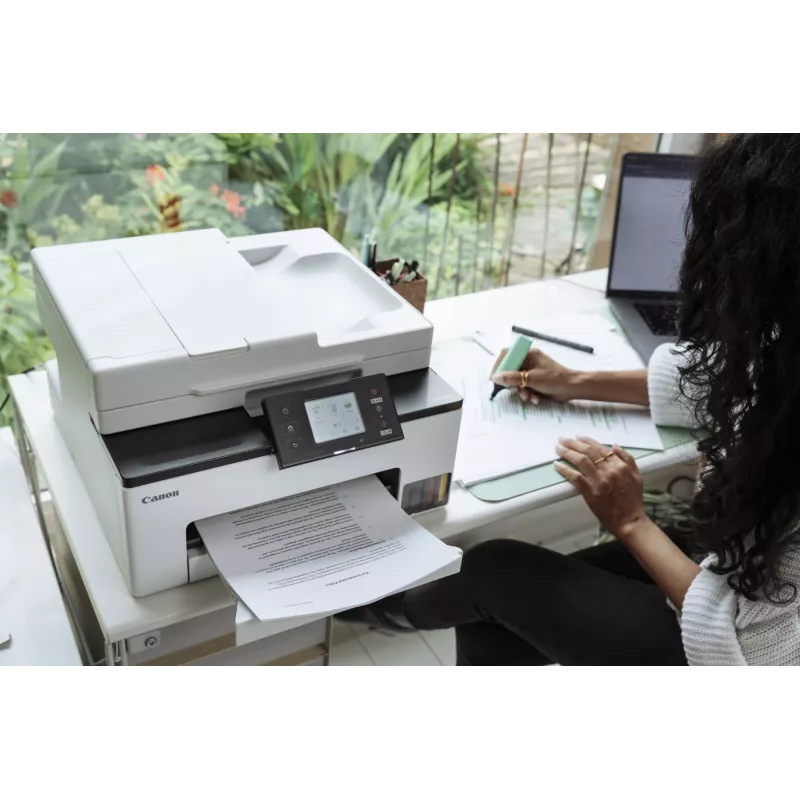
  • Small business daily administrative tasks
  • High-volume mono and colour document workflows with low running costs
  • Mobile printing from smartphones and tablets

Key specifications

  • Functions: Print, scan, copy, fax
  • Printing technology: Inkjet with refillable ink tanks
  • Page yield: Up to 6000 pages black, up to 7000 pages colour (per set of inks)
  • Print speed: Up to 24 images per minute (black), up to 15.5 images per minute (colour)
  • Connectivity: Wireless networking and USB
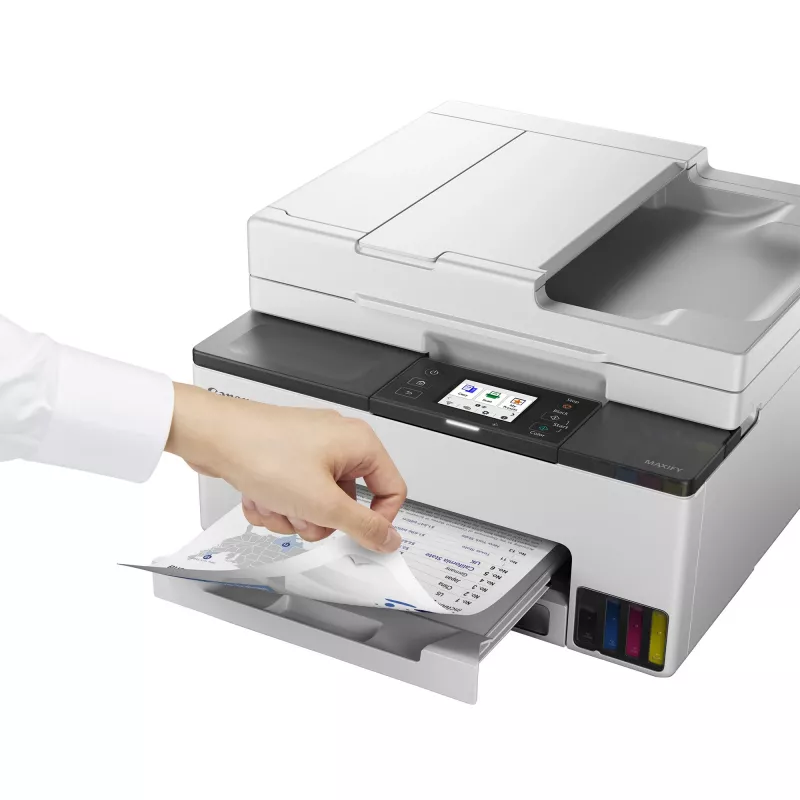
  • Paper handling: Front paper tray, duplex printing support where applicable
  • Colour output: Colour and monochrome document printing
  • Physical design: Compact desktop footprint in gray finish

How to use

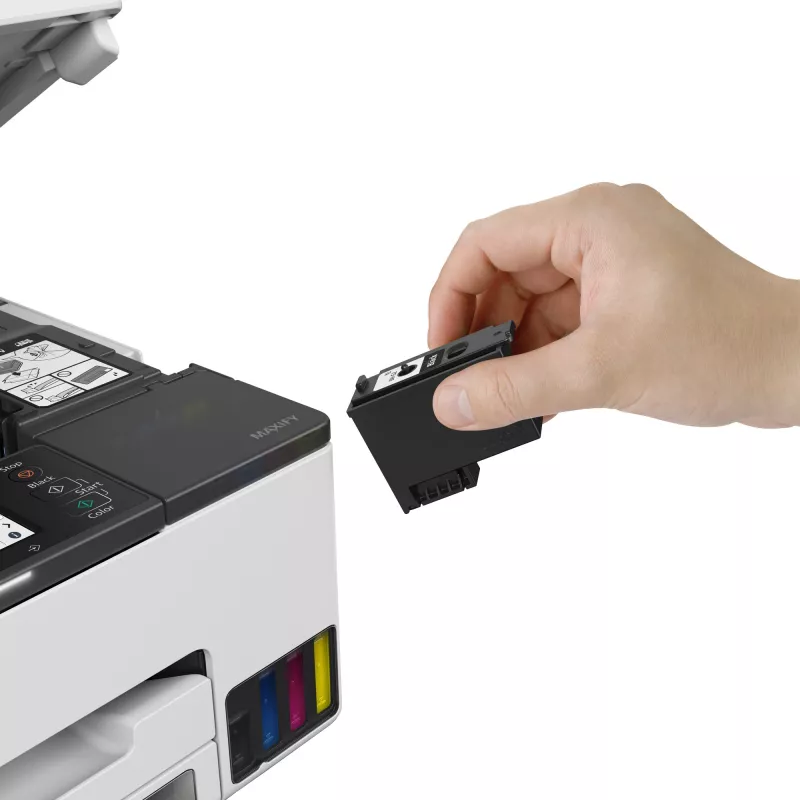
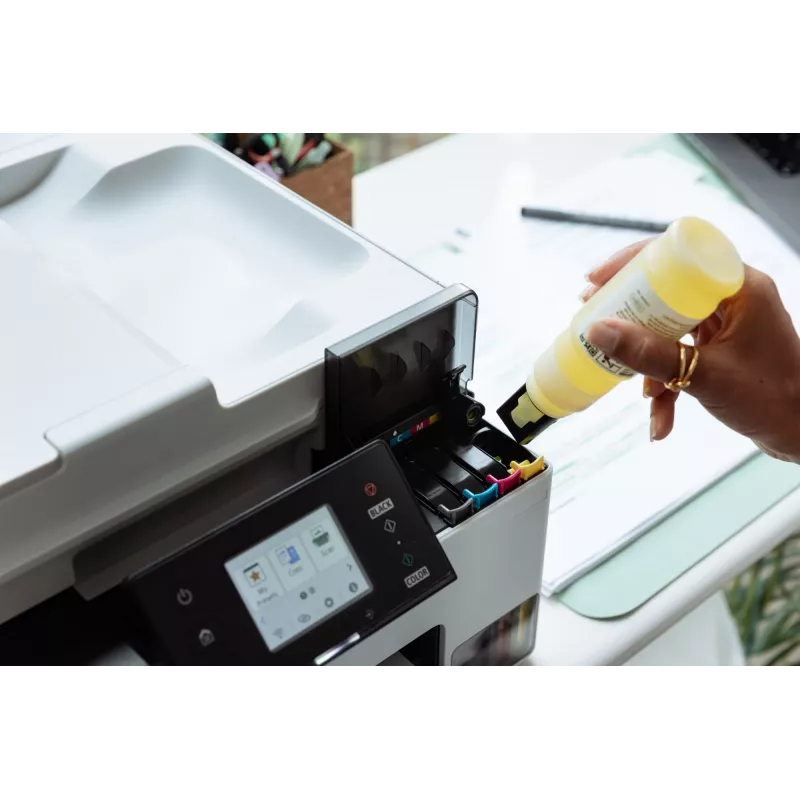
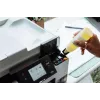
Install the printer on a stable surface and connect it to power. Fill the ink tanks following the manufacturer’s refill instructions, taking care to use only compatible ink bottles. Connect the device to your network via Wi-Fi or to a computer using USB, then install the provided or downloadable drivers and utilities. Use the control panel to select functions such as print, copy, scan or fax, and adjust settings for paper size, print quality and duplex options. For mobile printing, enable the printer in your mobile printing app and follow the app’s prompts to send documents or photos.

Recommendations

Use original or manufacturer-recommended refill inks to maintain printhead performance and reliability. Keep the scanner glass and document feed free from dust and debris, and perform regular software updates to ensure network security and compatibility. For high-volume runs, use plain paper recommended for inkjet printers and allow short cooling intervals between large print jobs to maintain consistent output quality.

Tärkeimmät ominaisuudet
  • Home office document printing and scanning
  • Small business daily administrative tasks
  • High-volume mono and colour document workflows with low running costs
  • Mobile printing from smartphones and tablets
  • Functions: Print, scan, copy, fax
  • Printing technology: Inkjet with refillable ink tanks
  • Page yield: Up to 6000 pages black, up to 7000 pages colour (per set of inks)
  • Print speed: Up to 24 images per minute (black), up to 15.5 images per minute (colour)
  • Connectivity: Wireless networking and USB
  • Paper handling: Front paper tray, duplex printing support where applicable
  • Colour output: Colour and monochrome document printing
  • Physical design: Compact desktop footprint in gray finish
Tekniset tiedot
Äänenpainetaso (tulostus)
46.5 dB
AC-tulojännite
100 - 240 V
AC-tulotaajuus
50/60 Hz
Energy Star -tyypillinen sähkönkulutus (TEC)
0.14 kWh/week
Ensimmäisen sivun tulostusaika (musta, normaali)
9 s
Ensimmäisen sivun tulostusaika (väri, normaali)
10 s
Ethernet LAN
Yes
Faksaus
Colour faxing
Faksimuisti
250 pages
Faksin tarkkuus (väri)
200 x 200 DPI
Harmaasävyjen syvyys (lähtö)
8 bit
Harmaasävyjen syvyys (tulo)
16 bit
Henkilökortin kopiointitoiminto
Yes
ISO A -sarjan koot (A0...A9)
A4, A5, A6
ISO B -sarjan koot (B0...B9)
B5
Kaksipuolinen tulostus
Yes
Kaksipuolisuustoiminnot
Print
Käytön suhteellinen ilmankosteus (H-H)
10 - 90%
Käyttölämpötila (T-T)
5 - 35 °C
Kirjekuorikoot
10, C5, DL, Monarch
Kopioiden enimmäismäärä
99 copies
Kopioinnin skaalaus
25 - 400%
Kopiointi
Colour copying
Korkeus
260 mm
Leveys
374 mm
Markkina-asemointi
Home & office
Mobiilitulostustekniikat
Apple AirPrint, Mopria Print Service, PIXMA Cloud Link
Modeemin nopeus
33.3 Kbit/s
Mukana tulevan värikasetin riittoisuus (CMY)
3000 pages
Mukana tulevan värikasetin riittoisuus (musta)
3000 pages
Mukana tulevan värikasetin riittoisuus (säästötila, CMY)
4500 pages
Mukana tulevan värikasetin riittoisuus (säästötila, musta)
4500 pages
Mukana tulevat kaapelit
AC
Mukautettu materiaalin leveys
89 - 216 mm
Mukautettu materiaalin pituus
127 - 355.6 mm
Muut kuin ISO-paperikoot
Executive, Legal, Letter, Oficio
Muut tuetut käyttöjärjestelmät
Android, iOS
N-in-1-kopiointitoiminto
Yes
N-in-1-kopiointitoiminto (N=)
2, 4
Näytön koko
6.86 cm (2.7")
Näyttö
LCD
Ohjaustyyppi
Touch
Optinen skannaustarkkuus
1200 x 2400 DPI
Paino
8.1 kg
Paperilokeron materiaalin paino
64 - 105 g/m²
Paperilokeron tulostusmateriaalit
Envelopes, Executive, Plain paper
Pikavalinta
Yes
Sisäänrakennettu näyttö
Yes
Skannaus
Colour scanning
Skannaustekniikka
CIS
Skannerin tyyppi
Flatbed scanner
Suurin ISO A -sarjan paperikoko
A4
Suurin kuukausittainen tulostusmäärä
27000 pages per month
Suurin resoluutio
600 x 1200 DPI
Suurin skannausalue
216 x 297 mm
Suurin syöttökapasiteetti
250 sheets
Syöttölokeroiden kokonaismäärä
1
Syvyys
510 mm
Tuetut Mac-käyttöjärjestelmät
Mac OS X 10.15 Catalina, Mac OS X 10.15.3 Catalina, Mac OS X 10.2 Jaguar, Mac OS X 10.3 Panther, Mac OS X 10.4 Tiger, Mac OS X 10.5 Leopard, Mac OS X 10.6 Snow Leopard, Mac OS X 10.7 Lion, Mac OS X 10.7.5 Lion, Mac OS X 10.8 Mountain Lion, Mac OS X 10.9 Mavericks, Mac OS X 11.0 Big Sur, Mac OS X 13.0 Ventura
Tuetut mobiilikäyttöjärjestelmät
Android, iOS
Tuetut palvelinkäyttöjärjestelmät
Windows Server 2008 R2, Windows Server 2012 R2, Windows Server 2016, Windows Server 2019, Windows Server 2022
Tuetut Windows-käyttöjärjestelmät
Windows 10, Windows 11, Windows 8.1
Tulostus
Colour printing
Tulostusnopeus (ISO/IEC 24734) musta
15 ipm
Tulostusnopeus (ISO/IEC 24734) väri
10 ipm
Tulostustekniikka
Inkjet
Tulostusvärit
Black, Cyan, Magenta, Yellow
Tuotteen väri
Black, White
Turva-algoritmit
WPA-AES, WPA-EAP, WPA-PSK, WPA-TKIP, WPA2-AES, WPA2-EAP, WPA2-PSK, WPA2-TKIP, WPA3-EAP, WPA3-SAE
USB-liitäntä
Yes
USB-liitäntä
USB Type-B
Valokuvapaperin koot
10x15,13x18,18x25,20x25
Värikasetit mukana
Yes
Värikasettien määrä
4
Värinäyttö
Yes
Värisyvyys (lähtö)
8 bit
Värisyvyys (tulo)
16 bit
Virrankulutus (kopiointi)
21 W
Virrankulutus (pois päältä)
0.1 W
Wi-Fi
Yes
Wi-Fi-standardit
802.11a, 802.11b, 802.11g, Wi-Fi 4 (802.11n), Wi-Fi 5 (802.11ac)
Hintahistoria viimeisen 6 kuukauden ajalta
Canon MAXIFY GX2050 mustesuihku A4 600 x 1200 DPI Wi-Fi
Nykyinen
437,73 €
Alin
291,68 €
Ylin
656,64 €
Muutos 24 h
+17,70 €   +4%
Viikko
+144,16 €   +49%
Kuukausi
+143,53 €   +49%

Teknologiamedioiden riippumattomat arvostelut

itpro.comSimon
6/10

Loppuarvio: This isn't an expensive device by the standards of refillable inkjets and, even though you don't get a vast supply of ink in the box, it should work out cheap to own. It's not badly specified, either, although with no USB host port or duplex scanner it is...

Plussat
  • Decent print quality
  • Great scan quality
  • Cheap to run
Miinukset
  • Not very fast
  • A little disappointing overall
Lue koko arvostelu: itpro.com →
trustedreviews.comSimon
7/10

Loppuarvio: The Canon MAXIFY GX2050 combines ink tank printing with a compact design and a decent set of features. It's not that expensive by refillable printer standards, and it's extremely cheap to run. This multifunction is heavily focused on home offices rather t...

Plussat
  • Extremely low running costs
  • Great scan and photocopy quality
  • Three-year warranty
Miinukset
  • Not especially fast
  • Unimpressive photo prints
Lue koko arvostelu: trustedreviews.com →

Suositut tuotteet tässä kategoriassa

Myyjä: UAB KUR LT · Laisvės pr. 125A, LT-06118 Vilna, Liettua · Yritystunnus 303192950 · ALV-numero LT100008198612 · Toimitus EU:sta (Liettua)
Hei, olen DistriNoden tekoälyavustaja. Autan sinua löytämään tuotteita, vertailemaan vaihtoehtoja, laatimaan tarjouksia PDF-muodossa tai tekemään tukipyyntöjä.