Tili Ota yhteyttä
Ostoskorisi
Toimitus DPD & FedEx
Tarvitsetko apua? Kysy AI:lta

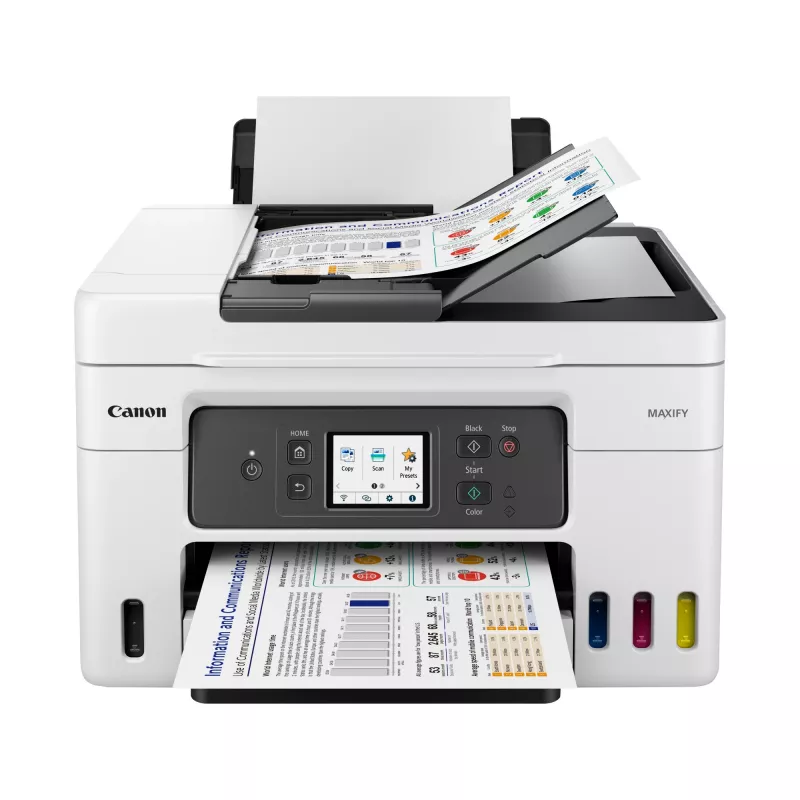
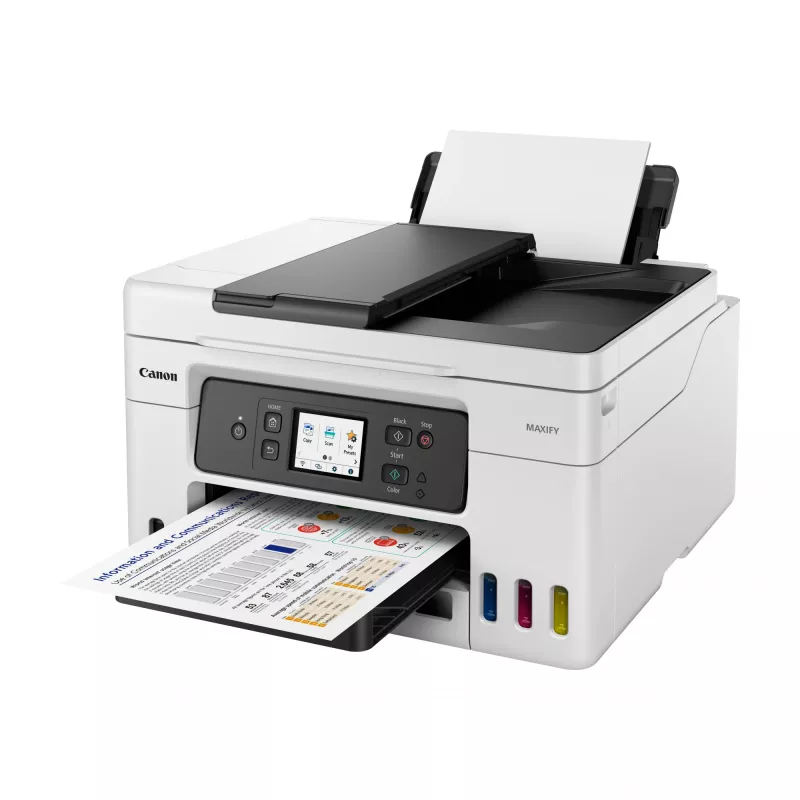
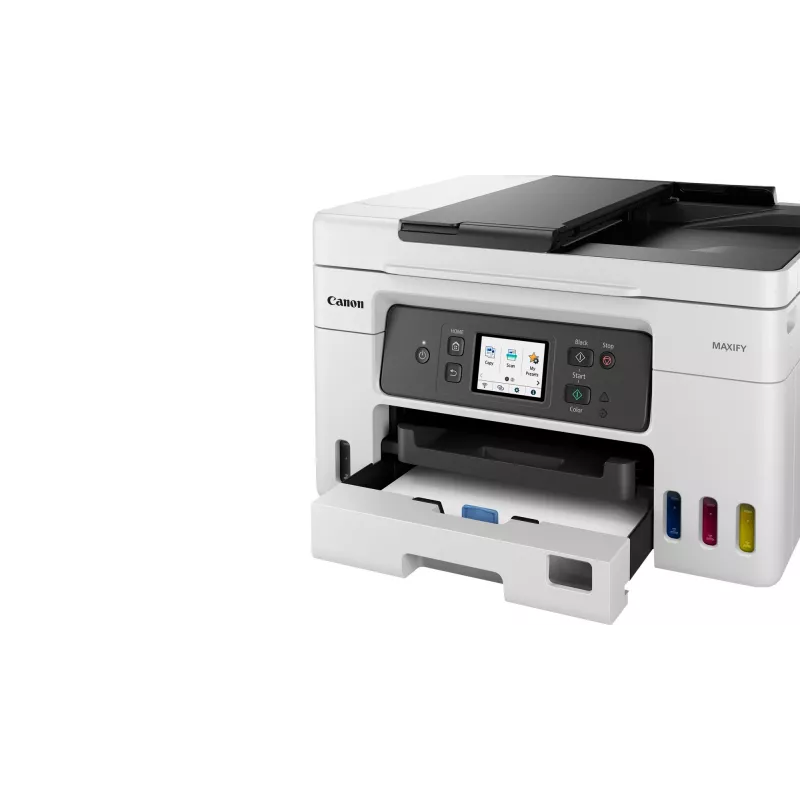
Canon MAXIFY GX4050 mustesuihku A4 600 x 1200 DPI Wi-Fi

Canon MAXIFY GX4050 mustesuihku A4 600 x 1200 DPI Wi-Fi
36 kk
Canon MAXIFY GX4050 mustesuihku A4 600 x 1200 DPI Wi-Fi
410,55 €
Print large volumes of high-quality business documents while making huge savings on CPP and TCO with this refillable and easy to use 4-in-1 MegaTank-equipped MAXIFY GX printer with ADF, Wi-Fi and Ethernet.Brilliant productivity, best-in-class CPP and TCOCost per page (CPP) is the amount of money tha... Lue lisää
Varasto 5 Tuotekoodi 3790 Merkki Canon Malli 5779C006 Takuu 3 vuotta

Toimitus ja palautukset

Arvioitu toimitusaika Keskiviikko, Lokakuu 14
Saat päivitykset yksityiskohtaisen seurantajärjestelmän kautta
Maksuvaihtoehdot
MaksukorttiVisaMastercardPayPalApple PayGoogle PayTilisiirto
Print large volumes of high-quality business documents while making huge savings on CPP and TCO with this refillable and easy to use 4-in-1 MegaTank-equipped MAXIFY GX printer with ADF, Wi-Fi and Ethernet.

Brilliant productivity, best-in-class CPP and TCO
Cost per page (CPP) is the amount of money that it takes to print a single page. This is determined by dividing the cost of the ink by the page yield.

The total cost of ownership (TCO) is a calculation of what a printer would cost you based on the initial purchase cost of hardware plus the costs of ink over a fixed period.

Low running costs, brilliant productivity
With a full set of ink bottles producing up to 14,000 prints, this high-performance, high-volume MegaTank printer delivers huge savings on the total cost of ownership and cost per page. That’s a smart investment for any home office.

Compatible Apps and Software
Print documents, photos and more direct from your smart device with the free Canon PRINT app, or quickly design and print visually striking posters and flyers with PosterArtist. Use PIXMA Cloud Link to send scans to or print from popular cloud services including Dropbox, Google Drive and OneDrive.

Canon Easy-PhotoPrint Editor turns your favourite photos (from your device or cloud storage) into stylish, personalised gifts such as cards and calendars.

The simple to use Easy-Layout Editor allows you to freely arrange the layout of various documents before printing them. Ideal for printing images, posters, web pages and more.
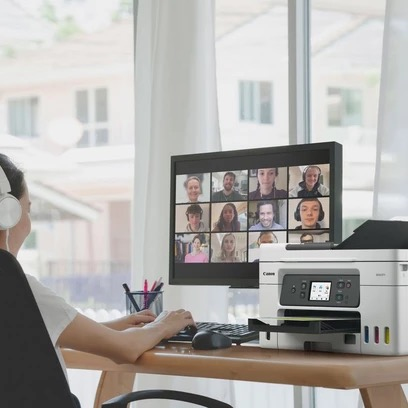
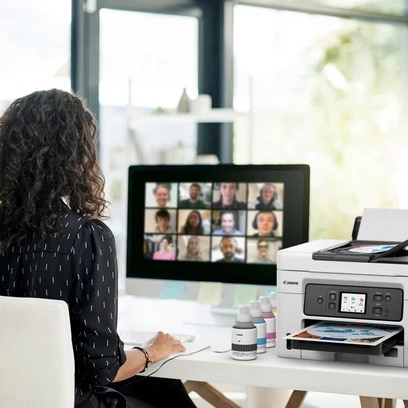
Home office

Home office

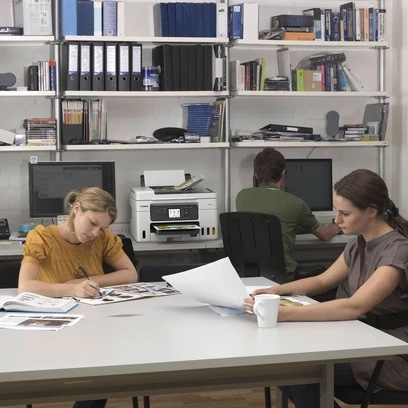
With a compact footprint, simple connectivity and easy to access user-replaceable maintenance cartridge, the MAXIFY GX range is the ideal high-volume, high-efficiency printer for demanding home and hybrid workers.

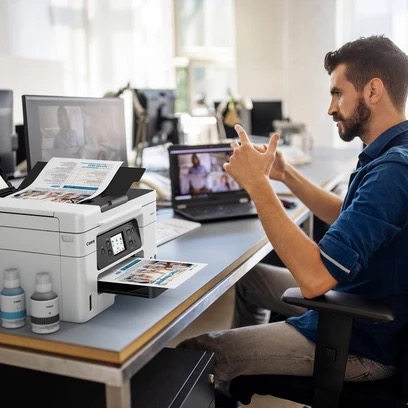
Retail

Reduce costs by printing more media in-house. Create high-quality, durable point of sale materials, signage, promotional banners and tags using the rear flat tray, which supports thick paperboard.
Retail
Estate Agents

Estate Agents

Quickly print colour flyers and brochures in large volumes while retaining superb quality. All-pigment ink means prints are bright, highly readable, smudge-resistant and blur-free.

Educational Institutions

Print high volumes of course materials, resilient full-colour handouts and administrative documents while saving money on ink costs. Supervise children in one room while printing in another using wireless connectivity.
Educational Institutions

How to use

Install the ink bottles into the refillable tanks following the manufacturer’s instructions, connect the printer to your network via Ethernet or Wi‑Fi, and load documents into the ADF for unattended multi-page scanning or copying. Use the Canon PRINT app or PIXMA Cloud Link to send print jobs from a smartphone or tablet. For large-format designs, use PosterArtist or Easy-Layout Editor to arrange and preview layouts before printing. Regularly check ink levels and perform recommended maintenance to maintain print quality and device reliability.

Recommendations

For best results in a small office environment, use genuine Canon ink bottles, monitor ink levels to plan replacements in advance, and connect via Ethernet for stable network performance when printing high volumes. Use cloud services for easy access to documents and PosterArtist or Easy-Layout Editor for professional-looking printed materials.

Tärkeimmät ominaisuudet
  • Business Inkjet Colour printing
  • 600 x 1200 DPI
  • Printing colours: Black, Cyan, Magenta, Yellow
  • A4
  • Colour copying Colour scanning Colour faxing
  • Apple AirPrint, Mopria Print Service, PIXMA Cloud Link
  • Direct printing
  • USB port Wi-Fi Ethernet LAN
  • 9.5 kg
Tekniset tiedot
Äänenpainetaso (tulostus)
49 dB
AC-tulojännite
100 - 240 V
AC-tulotaajuus
50 - 60 Hz
Alkuperämaa
Vietnam
Asiakirjansyöttölaitteen (ADF) kapasiteetti
35 sheets
Automaattinen asiakirjansyöttölaite (ADF)
Yes
DVD/CD-tulostus
No
Energy Star -tyypillinen sähkönkulutus (TEC)
0.15 kWh/week
Ensimmäisen sivun tulostusaika (musta, normaali)
8 s
Ensimmäisen sivun tulostusaika (väri, normaali)
9 s
Ethernet LAN
Yes
Ethernet LAN -tiedonsiirtonopeudet
10,100 Mbit/s
Faksaus
Colour faxing
Faksimuisti
250 pages
Faksin tarkkuus (väri)
200 x 200 DPI
Harmaasävyjen syvyys (lähtö)
8 bit
Harmaasävyjen syvyys (tulo)
16 bit
Henkilökortin kopiointitoiminto
Yes
ISO A -sarjan koot (A0...A9)
A4, A5, A6
ISO B -sarjan koot (B0...B9)
B5
Julkaisukuukausi
December
Julkaisuvuosi
2022
Kaapelointitekniikka
10/100Base-T(X)
Kaksipuolinen kopiointi
Yes
Kaksipuolinen skannaus
No
Kaksipuolinen tulostus
Yes
Kaksipuolisen kopioinnin tila
Manual
Kaksipuolisen tulostuksen tila
Auto
Kaksipuolisuustoiminnot
Copy, Print
Käytön suhteellinen ilmankosteus (H-H)
10 - 90%
Käyttölämpötila (T-T)
5 - 35 °C
Kirjekuorikoot
Com-10, DL
Kopioiden enimmäismäärä
99 copies
Kopioinnin enimmäiskoko
A4
Kopioinnin skaalaus
25 - 400%
Kopiointi
Colour copying
Korkeus
304 mm
Korvaavat värikasetit
GI-56 Bk, GI-56 Y, GI-56 M, GI-56 C
Lavan bruttokorkeus
105.1 cm
Lavan bruttoleveys
98.6 cm
Lavan bruttopaino
176.9 kg
Lavan bruttopituus
118.4 cm
Leveys
399 mm
Markkina-asemointi
Business
Mobiilitulostustekniikat
Apple AirPrint, Mopria Print Service, PIXMA Cloud Link
Modeemin nopeus
33.6 Kbit/s
Monikäyttölokero
Yes
Monikäyttölokeron syöttökapasiteetti
1 sheets
Monitoimisuus
Yes
Mukana tulevan värikasetin riittoisuus (CMY)
14000 pages
Mukana tulevan värikasetin riittoisuus (musta)
6000 pages
Mukana tulevan värikasetin riittoisuus (säästötila, CMY)
21000 pages
Mukana tulevan värikasetin riittoisuus (säästötila, musta)
9000 pages
Mukana tulevat kaapelit
AC
Mukana tulevat ohjelmistot
IJ Printer Assistant Tool
Mukautettu materiaalin leveys
89 - 216 mm
Mukautettu materiaalin pituus
127 - 1200 mm
Mustesäiliöjärjestelmä
Yes
Muut kuin ISO-paperikoot
Legal, Letter
Muut tuetut käyttöjärjestelmät
ChromeOS
N-in-1-kopiointitoiminto
Yes
N-in-1-kopiointitoiminto (N=)
2, 4
Näytön koko
6.86 cm (2.7")
Näyttö
LCD
Ohjaustyyppi
Touch
Optinen skannaustarkkuus
1200 x 2400 DPI
Paino
9.5 kg
Pakkauksen korkeus
348.7 mm
Pakkauksen leveys
488.9 mm
Pakkauksen paino
14.6 kg
Pakkauksen syvyys
588 mm
Paperilokeron 1 syöttökapasiteetti
100 sheets
Paperilokeron 2 syöttökapasiteetti
250 sheets
Paperilokeron materiaalin paino
64 - 105 g/m²
Paperilokeron tulostusmateriaalit
Envelopes, High resolution paper, Photo paper, Plain paper
Pikavalinta
Yes
Reunaton tulostus
No
Säilytyksen suhteellinen ilmankosteus (H-H)
10 - 90%
Sisäänrakennettu näyttö
Yes
Skannaus
Colour scanning
Skannaustekniikka
CIS
Skannerin tyyppi
Flatbed & ADF scanner
Suoratulostus
Yes
Suositeltu kuukausittainen tulostusmäärä
200 - 1000 pages per month
Suurin ISO A -sarjan paperikoko
A4
Suurin kuukausittainen tulostusmäärä
33000 pages per month
Suurin resoluutio
600 x 1200 DPI
Suurin skannausalue
216 x 356 mm
Suurin tulostuskoko
216 x 1200 mm
Syöttökapasiteetti yhteensä
350 sheets
Syöttölokeroiden kokonaismäärä
3
Syvyys
719 mm
Takuuaika
2 year(s)
Taloudellinen tulostus
Yes
Tuetut Mac-käyttöjärjestelmät
Mac OS X 10.14 Mojave, Mac OS X 10.15 Catalina, Mac OS X 11.0 Big Sur, Mac OS X 12.0 Monterey
Tuetut mobiilikäyttöjärjestelmät
Android, iOS, iPadOS
Tuetut palvelinkäyttöjärjestelmät
Windows Server 2008 R2, Windows Server 2012 R2, Windows Server 2016, Windows Server 2019, Windows Server 2022
Tuetut Windows-käyttöjärjestelmät
Windows 10, Windows 11, Windows 8.1
Tulostus
Colour printing
Tulostusnopeus (ISO/IEC 24734) musta
18 ppm
Tulostusnopeus (ISO/IEC 24734) väri
13 ppm
Tulostustekniikka
Inkjet
Tulostusvärit
Black, Cyan, Magenta, Yellow
Tuotteen väri
Black, White
Tuotteita lavalla
12 pc(s)
Turva-algoritmit
WPA-AES, WPA-EAP, WPA-PSK, WPA-TKIP, WPA2-AES, WPA2-EAP, WPA2-PSK, WPA2-TKIP, WPA3-EAP, WPA3-SAE
USB-liitäntä
Yes
USB-liitäntä
USB Type-B
Valokuvapaperin koot
10x15,13x18,18x25,20x25
Värikasetit mukana
Yes
Värikasettien määrä
4
Värinäyttö
Yes
Värisyvyys (lähtö)
8 bit
Värisyvyys (tulo)
16 bit
Virrankulutus (kopiointi)
20 W
Virrankulutus (pois päältä)
0.1 W
Wi-Fi
Yes
Wi-Fi-standardit
802.11b, 802.11g, Wi-Fi 4 (802.11n), Wi-Fi 5 (802.11ac)

Käyttöohje

Avaa asiakirja
Hintahistoria viimeisen 6 kuukauden ajalta
Canon MAXIFY GX4050 mustesuihku A4 600 x 1200 DPI Wi-Fi
Nykyinen
410,55 €
Alin
410,55 €
Ylin
445,10 €
Muutos 24 h
-0,00 €   0%
Viikko
-3,80 €   -1%
Kuukausi
-26,24 €   -6%

Suositut tuotteet tässä kategoriassa

Hei, olen DistriNoden tekoälyavustaja. Autan sinua löytämään tuotteita, vertailemaan vaihtoehtoja, laatimaan tarjouksia PDF-muodossa tai tekemään tukipyyntöjä.