
Tili Ota yhteyttä
Ostoskorisi
Toimitus DPD & FedEx
Tarvitsetko apua? Kysy AI:lta

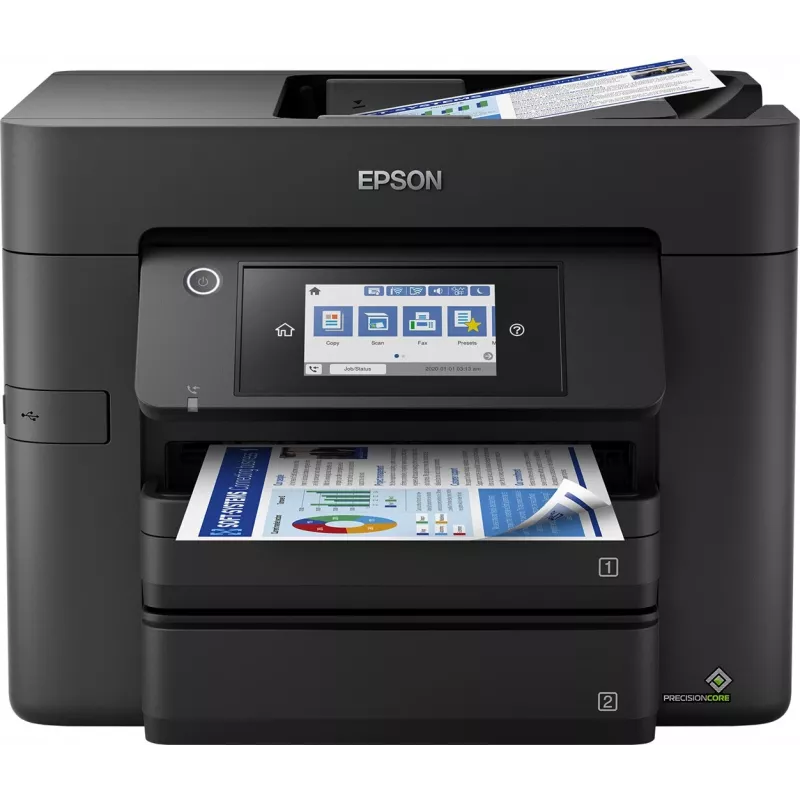
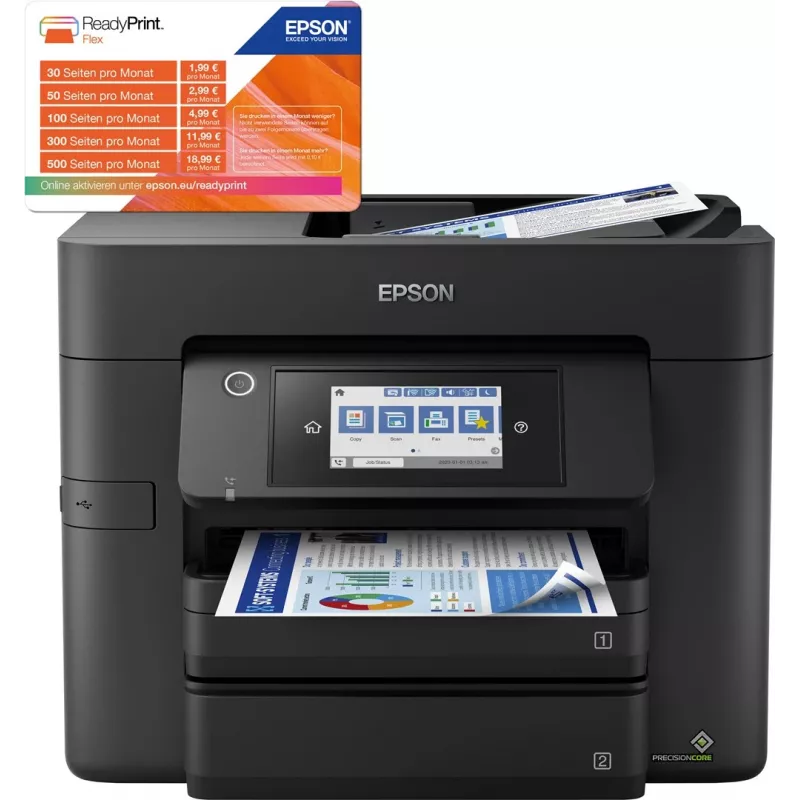
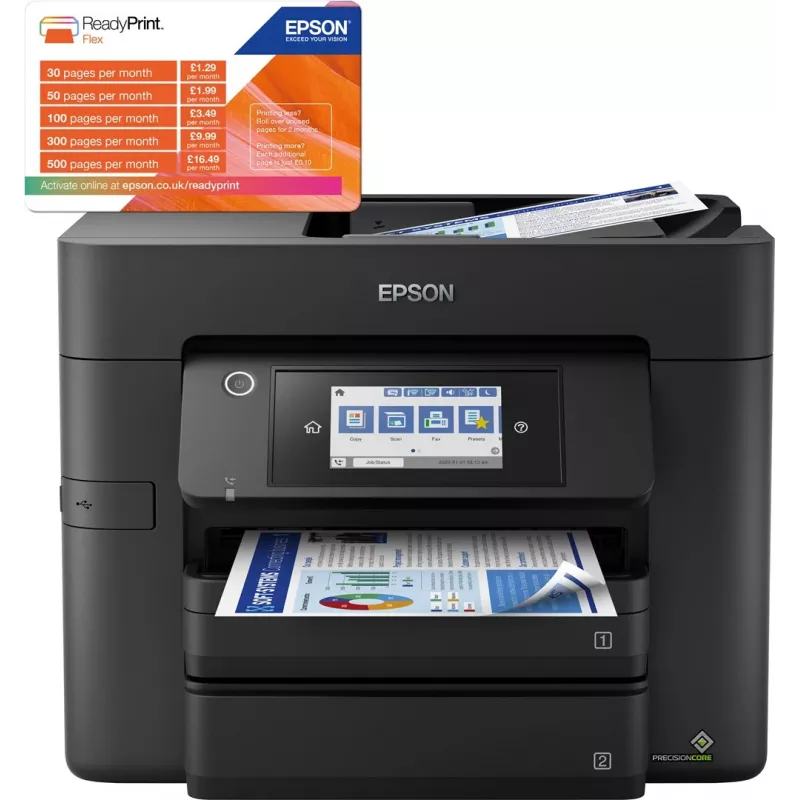
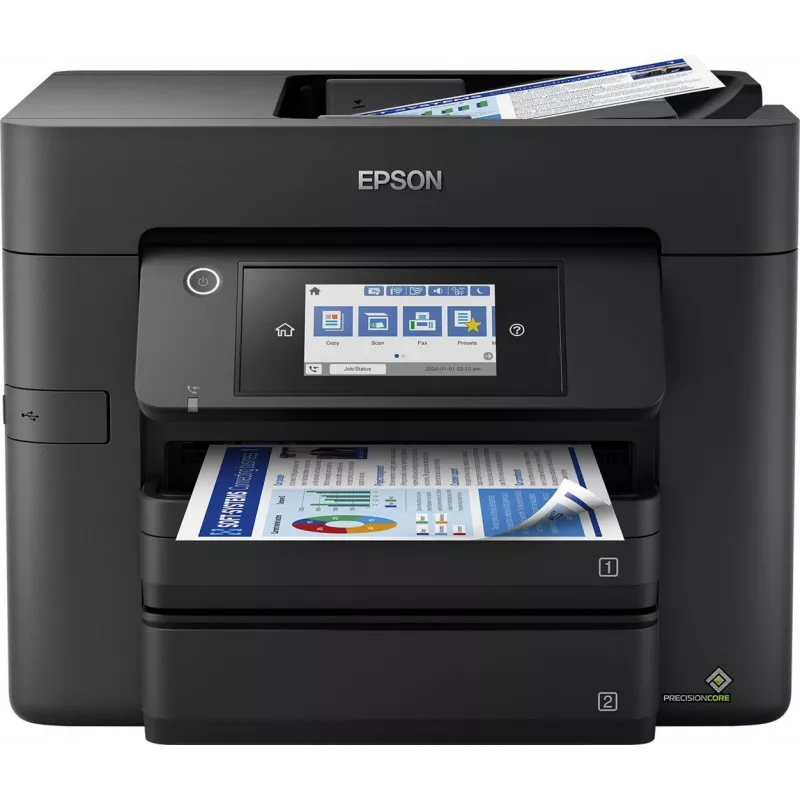
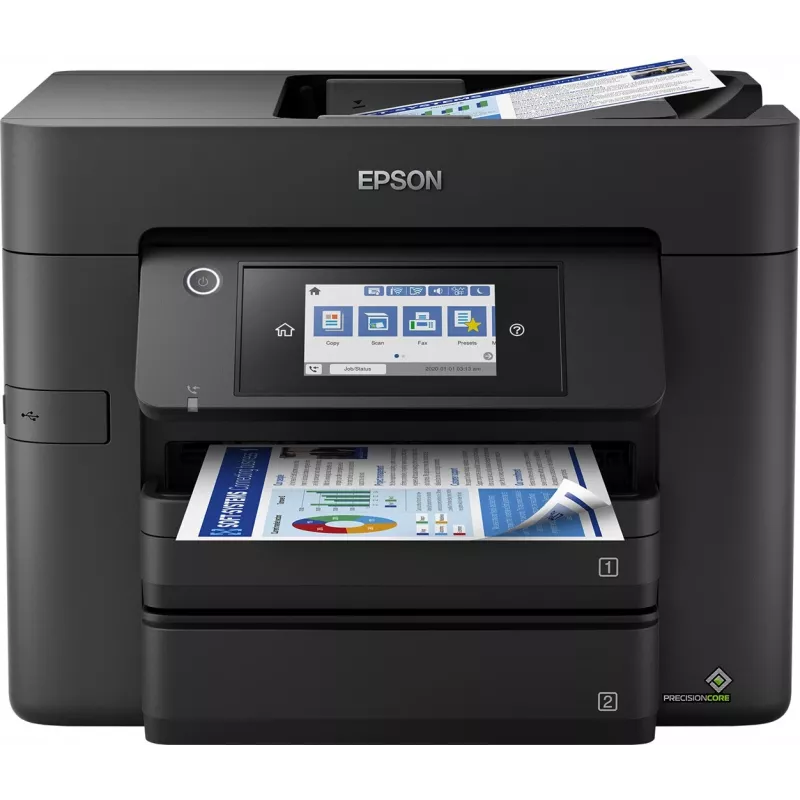
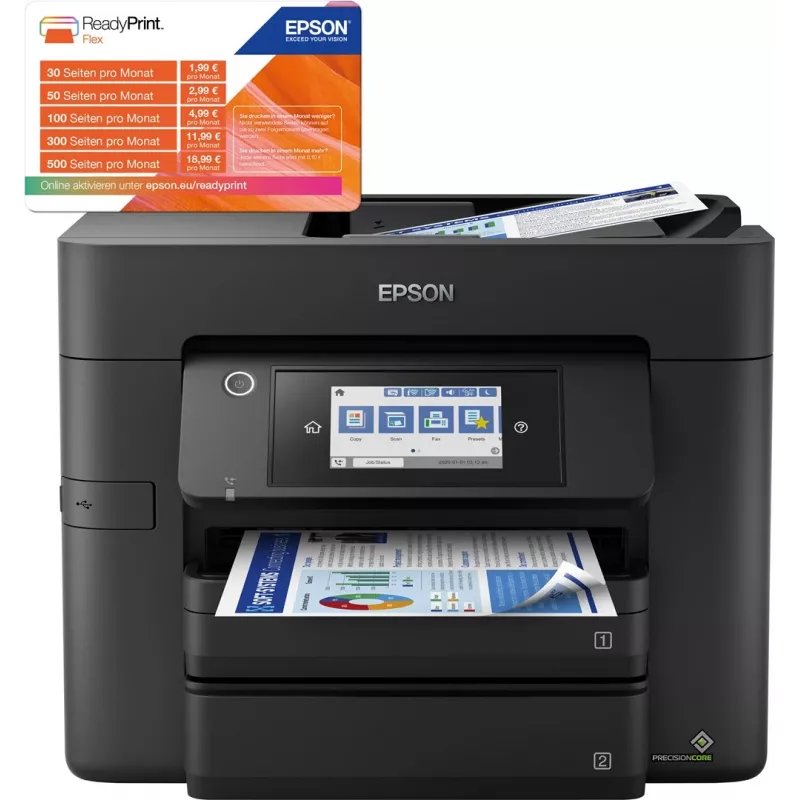
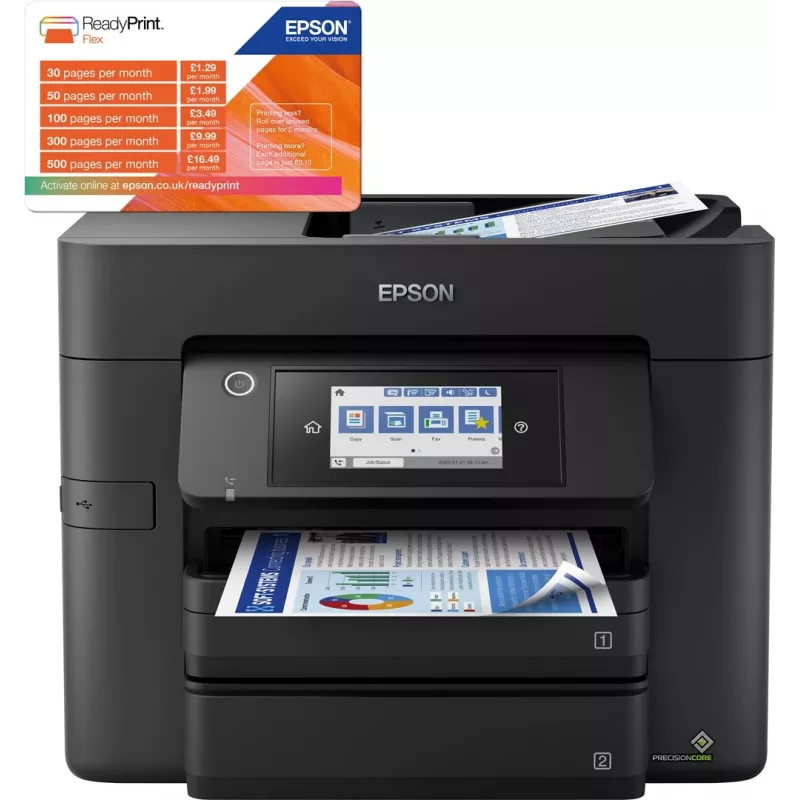
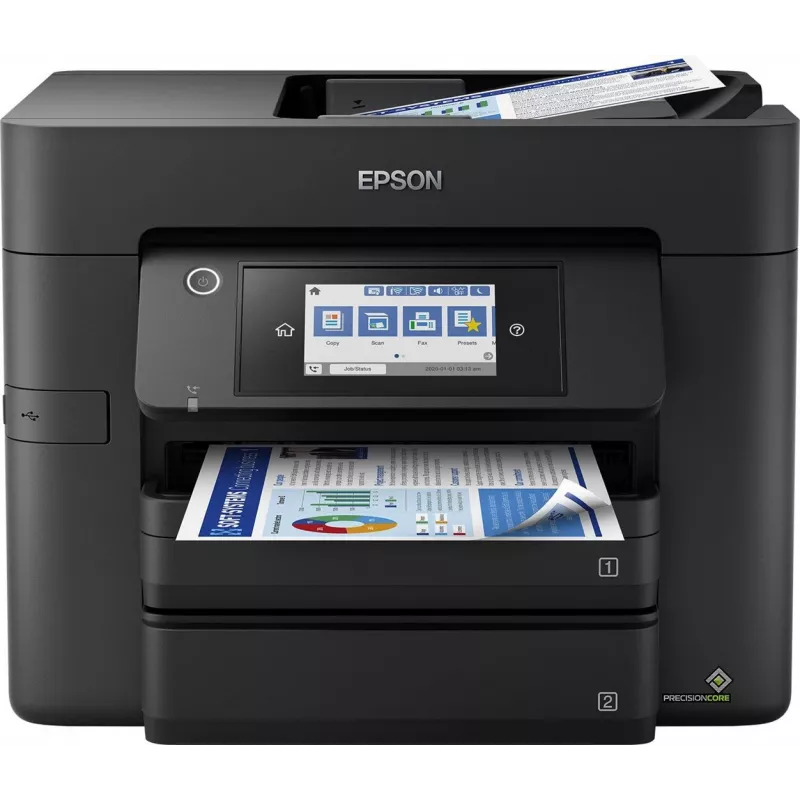
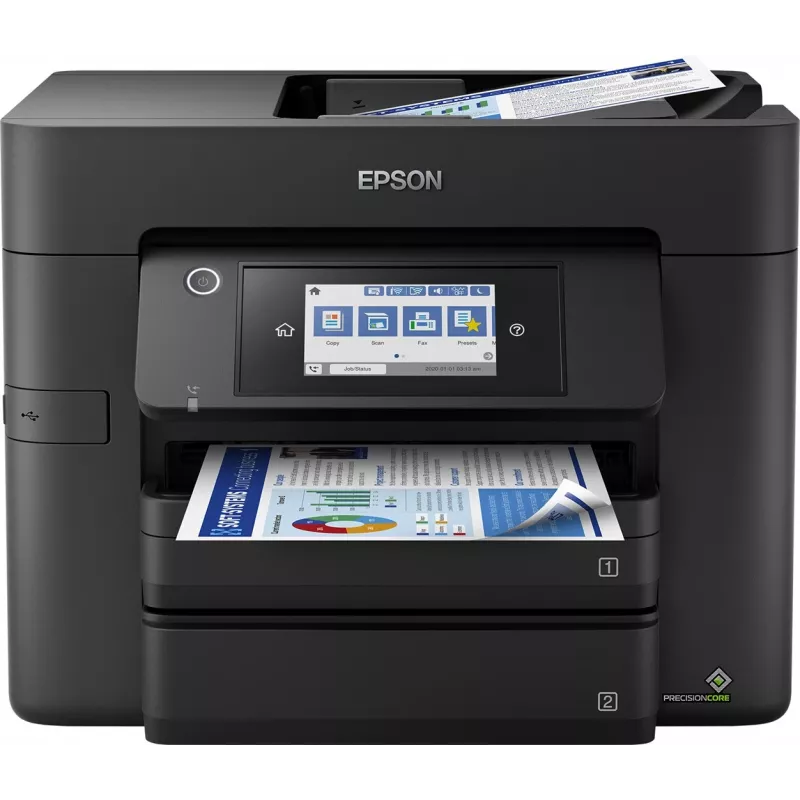
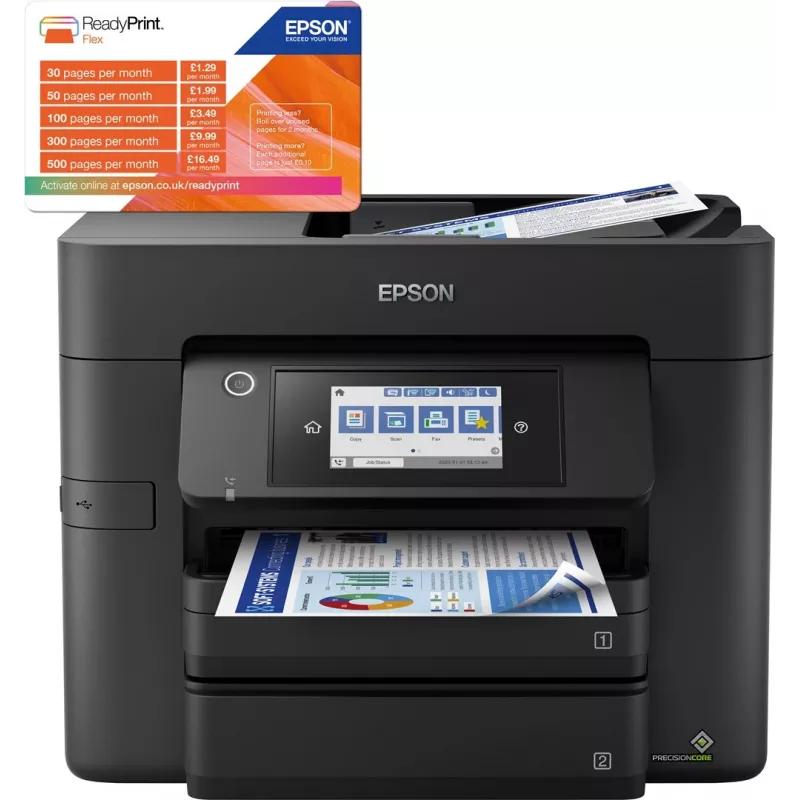
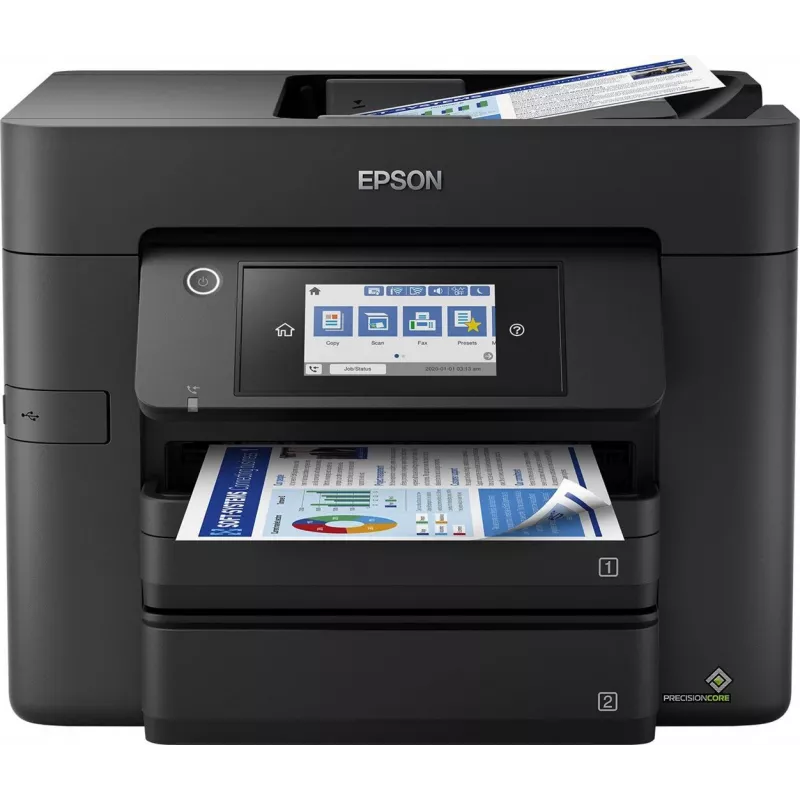
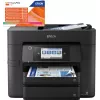
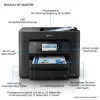
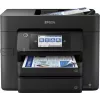
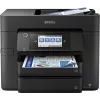
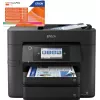
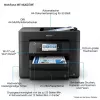
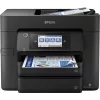
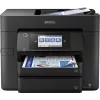
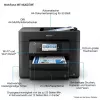
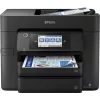
Epson WorkForce Pro WF-4830DTWF mustesuihku A4 4800 x 2400 DPI 36 ppm Wi-Fi

Epson WorkForce Pro WF-4830DTWF mustesuihku A4 4800 x 2400 DPI 36 ppm Wi-Fi
220,07 €
Expand your potential with this A4 multifunction inkjet. It offers high-quality, low-cost-printing and flexible wireless solutions.Think big with this high-quality multifunction with single and double-sided printing, scanning and fax all up to A4. You’ll stride through tasks with print speeds of up ... Lue lisää
Varasto 3 Tuotekoodi 117170 Merkki EPSON Malli C11CJ05402 Takuu 2 vuotta

Toimitus ja palautukset

Arvioitu toimitusaika Torstai, Lokakuu 22
Saat päivitykset yksityiskohtaisen seurantajärjestelmän kautta
Maksuvaihtoehdot
MaksukorttiVisaMastercardPayPalApple PayGoogle PayTilisiirto
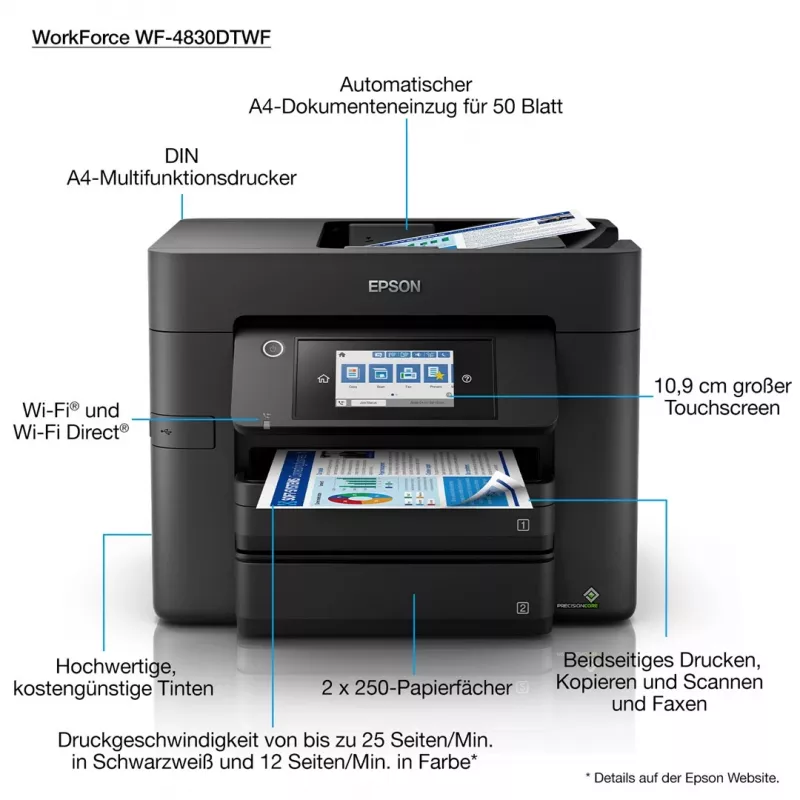
Expand your potential with this A4 multifunction inkjet. It offers high-quality, low-cost-printing and flexible wireless solutions.

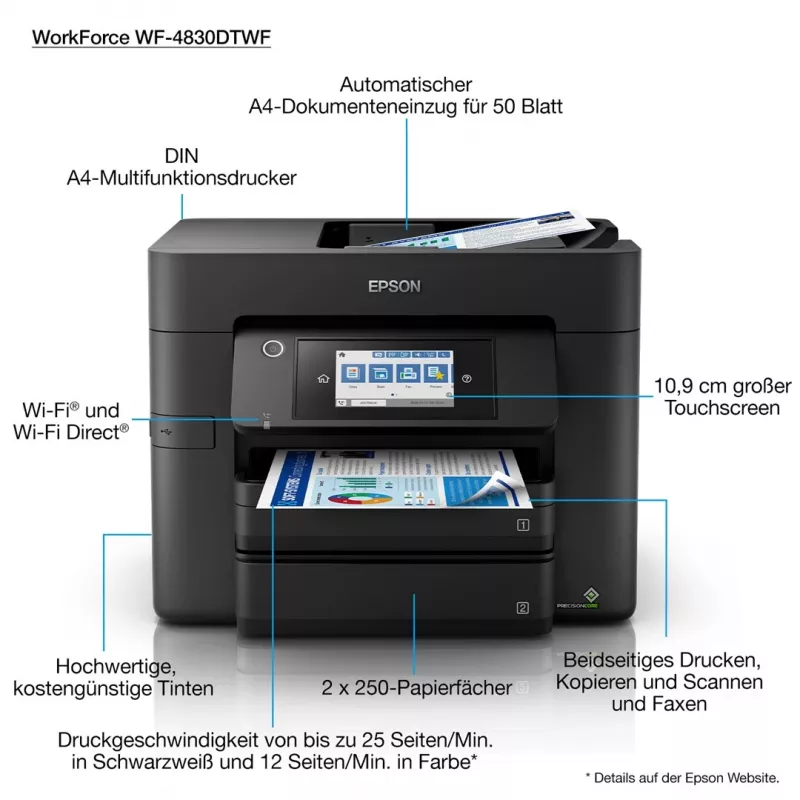
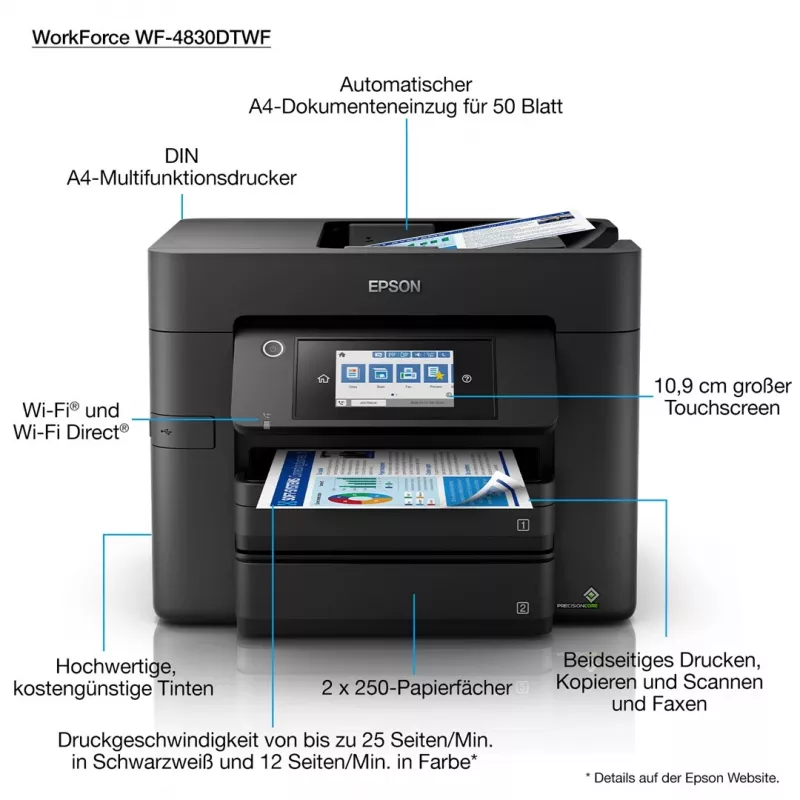
Think big with this high-quality multifunction with single and double-sided printing, scanning and fax all up to A4. You’ll stride through tasks with print speeds of up to 25ppm¹ in black and a 50 page A4 automatic document feeder (ADF). And that’s not forgetting its cost-effective inks and flexible wireless connectivity solutions such and Scan-to-cloud².

Professional A4 printing
This A4 multifunction printer will meet the needs of even the most demanding home office and small office users. It offers double-sided (duplex) printing, scanning and faxing all up to A4, plus its automatic document feeder can process up to 50 double-sided A4 pages. Furthermore, its PrecisionCore printhead produces high-quality, laser-like prints.

Enhance your productivity
This efficient, reliable and fast model offers A4 double-sided printing and print speeds of 25ppm in black and 12ppm in colour¹. It’s also simple to operate directly thanks to its intuitive user interface and 10.9cm touchscreen.

Minimise your outgoings
Dramatically reduce your costs; this printer is compatible with individual inks which are are 50% more efficient compared to tri-colour cartridges³. Giving great value for money, cartridges are available in standard and XL, with the highest yield delivering up to 1,100 pages⁴.

Flexible wireless solutions
Print from anywhere in the office with Wi-Fi connectivity or use Wi-Fi Direct to print from compatible wireless devices without a Wi-Fi network. Epson's free mobile printing apps and solutions provide further versatility; Email Print allows you to send items to print from almost anywhere in the world². And with Scan-to-Cloud, you can enjoy the benefits of collaborative working².

Epson WorkForce Pro WF-4830DTWF. Print technology: Inkjet, Printing: Colour printing, Maximum resolution: 4800 x 2400 DPI, Print speed (colour, normal quality, A4/US Letter): 22 ppm. Copying: Colour copying. Scanning: Colour scanning, Optical scanning resolution: 1200 x 1200 DPI. Maximum ISO A-series paper size: A4. Wi-Fi. Product colour: Black

Tärkeimmät ominaisuudet
  • High-quality A4 multifunction: Double-sided print, scan, copy and fax - all A4
  • Fast business-quality printing: 25ppm in black and 12ppm in colour¹
  • Cost-effective inks: Individual inks are 50% more efficient compared to tri-colour cartridges³
  • Wireless solutions: Ethernet, Wi-Fi, Wi-Fi Direct and Scan-to-Cloud²
  • Epson's free mobile printing apps: Freedom to print and scan from almost anywhere²
  • Home & office Inkjet Colour printing
  • 4800 x 2400 DPI
  • Printing colours: Black, Cyan, Magenta, Yellow
  • A4 36 ppm
  • Colour copying Colour scanning
  • Epson Connect, Epson iPrint, Epson Email Print, Epson Remote Print, Apple AirPrint, Mopria Print Service
  • USB port Wi-Fi Ethernet LAN Near Field Communication (NFC)
  • 11.9 kg
Tekniset tiedot
Ajurit mukana
Yes
Alkuperämaa
Indonesia
Asiakirjansyöttölaitteen (ADF) kapasiteetti
50 sheets
Automaattinen asiakirjansyöttölaite (ADF)
Yes
Ensimmäisen sivun tulostusaika (musta, normaali)
5.5 s
Ensimmäisen sivun tulostusaika (väri, normaali)
8.5 s
Ethernet LAN
Yes
Hallintaprotokollat
SNMP, HTTP, DHCP, BOOTP, APIPA, DDNS, mDNS, SNTP, SLP, WSD, LLTD, Ping
Harmonized System (HS) -koodi
84433100
Integroitu kortinlukija
No
ISO A -sarjan koot (A0...A9)
A4, A5, A6
ISO B -sarjan koot (B0...B9)
B5
Kaksipuol. tulostus (musta, A4/US Letter)
16 ppm
Kaksipuol. tulostus (väri, A4/US Letter)
9 ppm
Kaksipuolinen skannaus
Yes
Kaksipuolinen tulostus
Yes
Kaksipuolisen tulostuksen nopeus (ISO/IEC 24734, A4) musta
16 ppm
Kaksipuolisen tulostuksen nopeus (ISO/IEC 24734, A4) väri
9 ppm
Käyttäjien määrä
4 user(s)
Kirjekuorikoot
C6, DL
Kopiointi
Colour copying
Korkeus
330 mm
Kosketusnäyttö
Yes
Lähitiedonsiirto (NFC)
Yes
Lavan bruttopaino
0 g
Lavan paino (UK)
0 g
Leveys
425 mm
Luovutuskapasiteetti yhteensä
80 sheets
Määrä pakkauksessa
1 pc(s)
Markkina-asemointi
Home & office
Mobiilitulostustekniikat
Epson Connect, Epson iPrint, Epson Email Print, Epson Remote Print, Apple AirPrint, Mopria Print Service
Mukana tulevat kaapelit
AC
Mustepisara
3.8
Muut kuin ISO-paperikoot
Legal, Letter
Näytön koko
10.9 cm (4.3")
Näyttö
LCD
Ohjaustyyppi
Touch
Optinen skannaustarkkuus
1200 x 1200 DPI
Paino
11.9 kg
Pakkauksen korkeus
405 mm
Pakkauksen leveys
436 mm
Pakkauksen paino
14.1 kg
Pakkauksen syvyys
480 mm
Paperilokeron materiaalin paino
65 - 255 g/m²
Paperilokeron tulostusmateriaalit
Envelopes, Photo paper, Plain paper
Sisäänrakennettu näyttö
Yes
Sivunkuvauskielet
ESC/P-R
Skannaus
Colour scanning
Skannaus kohteeseen
Cloud
Skannaustekniikka
CIS
Suositeltu kuukausittainen tulostusmäärä
200 - 1700 pages per month
Suurin ISO A -sarjan paperikoko
A4
Suurin kuukausittainen tulostusmäärä
33000 pages per month
Suurin resoluutio
4800 x 2400 DPI
Suurin syöttökapasiteetti
500 sheets
Syöttölokeroiden kokonaismäärä
2
Syvyys
388 mm
Takuukortti
Yes
Tuetut asiakirjamuodot
PDF
Tuetut kuvamuodot
BMP, JPEG, TIFF, PNG
Tuetut Mac-käyttöjärjestelmät
Mac OS X 10.6 Snow Leopard
Tuetut palvelinkäyttöjärjestelmät
Windows Server 2008, Windows Server 2008 x64, Windows Server 2008 R2, Windows Server 2012 x64, Windows Server 2012 R2, Windows Server 2016, Windows Server 2003 R2, Windows Server 2003
Tuetut verkkoprotokollat
TCP/IPv4, TCP/IPv6
Tuetut Windows-käyttöjärjestelmät
Windows 10, Windows 10 x64, Windows 7, Windows 7 x64, Windows 8, Windows 8 x64, Windows 8.1, Windows 8.1 x64, Windows Vista, Windows Vista x64, Windows XP Professional x64, Windows XP
Tulostus
Colour printing
Tulostusmenetelmä
Epson PrecisionCore
Tulostusnopeus (ISO/IEC 24734) musta
25 ppm
Tulostusnopeus (ISO/IEC 24734) väri
12 ppm
Tulostusnopeus (musta, normaali laatu, A4/US Letter)
36 ppm
Tulostusnopeus (väri, normaali laatu, A4/US Letter)
22 ppm
Tulostuspään suuttimet
800 nozzles black, 256 nozzles per colour
Tulostustekniikka
Inkjet
Tulostusvärit
Black, Cyan, Magenta, Yellow
Tuotteen väri
Black
Tuotteita lavalla
10 pc(s)
Tuotteita lavalla (UK)
20 pc(s)
Turva-algoritmit
64-bit WEP, 128-bit WEP, WPA-PSK, WPA-TKIP
USB-liitäntä
Yes
Valokuvapaperin koot
10x15,13x18 cm
Värikasetit mukana
Yes
Värikasettien määrä
4
Värinäyttö
Yes
Virrankulutus (käyttövalmis)
8.6 W
Virrankulutus (kopiointi)
22 W
Virrankulutus (pois päältä)
0.2 W
Wi-Fi
Yes
Wi-Fi-standardit
802.11b, 802.11g, Wi-Fi 4 (802.11n)
Yhteensopivat käyttöjärjestelmät
Mac OS X 10.6.8 or later, Windows 10 (32/64 bit), Windows 7 (32/64 bit), Windows 8 (32/64 Bit), Windows 8.1 (32/64 bit), Windows Server 2008 (32/64 Bit), Windows Server 2008 R2, Windows Server 2012 (64bit), Windows Server 2012 R2, Windows Server 2016, Windows Vista (32/64 Bit), Windows XP Professional x64 Edition SP2 or later, Windows XP SP3 or later (32-bit), Windows Server 2003 R2, Windows Server 2003 SP2 or later

Käyttöohje

Avaa asiakirja

Asiakirja

Avaa asiakirja
Hintahistoria viimeisen 6 kuukauden ajalta
Epson WorkForce Pro WF-4830DTWF mustesuihku A4 4800 x 2400 DPI 36 ppm Wi-Fi
Nykyinen
220,07 €
Alin
186,59 €
Ylin
223,98 €
Muutos 24 h
-0,85 €   0%
Viikko
-2,03 €   -1%
Kuukausi
+33,06 €   +18%

Teknologiamedioiden riippumattomat arvostelut

rtings.comOlivier
7.8/10

“The Epson WorkForce Pro WF-4830 is an all-in-one inkjet printer. It uses a four-cartridge system with Cyan, Magenta, Yellow, and Black ink, and it's compatible with Epson's T822 and T822XL ink cartridges.”

Plussat
  • Feels very well-built
  • Low cost-per-print
  • Automatic feeder with duplex scanning
  • Large input tray capacity
  • Prints black documents quickly
Miinukset
  • Low black page yield
  • Slow color document printing speed
Lue koko arvostelu: rtings.com →
pcmag.comWilliam
8/10

Loppuarvio: The WorkForce Pro WF-4830 all-in-one printer is fast and comes with two deep paper drawers and an auto-duplexing ADF. It prints good-looking text, photos, and graphics, making it a great choice for small offices with moderate printing needs...

Plussat
  • Fast and excellent PrecisionCore output
  • Spacious 4
  • 3-inch touch screen
  • Broad mobile device support
  • USB thumb drive support
  • Two large paper drawers
  • Auto-duplexing ADF
  • Relatively low purchase price for what you get
Miinukset
  • Lacks multipurpose tray or slot
  • High cost per page
Lue koko arvostelu: pcmag.com →
the-gadgeteer.comMike

Loppuarvio: I haven't bought a new printer in quite a few years, and I have to say that I'm impressed with the Epson WorkForce Pro WF-4830 Wireless All-in-One Printer. It had features that I didn't expect, like the saving of scans to an FTP folder. The wireless conne...

Plussat
  • Ability to operate from the computer or the printer and send items to various locations
  • 2-Sided printing
  • Very nice touch screen
  • Auto Document Feeder for scanning and copying
  • Phone connectivity smart app
Miinukset
  • The setup program needs to prompt for WiFi connection and password
Lue koko arvostelu: the-gadgeteer.com →

Suositut tuotteet tässä kategoriassa

Myyjä: UAB KUR LT · Laisvės pr. 125A, LT-06118 Vilna, Liettua · Yritystunnus 303192950 · ALV-numero LT100008198612 · Toimitus EU:sta (Liettua)
Hei, olen DistriNoden tekoälyavustaja. Autan sinua löytämään tuotteita, vertailemaan vaihtoehtoja, laatimaan tarjouksia PDF-muodossa tai tekemään tukipyyntöjä.