
Tili Ota yhteyttä
Ostoskorisi
Toimitus DPD & FedEx
Tarvitsetko apua? Kysy AI:lta

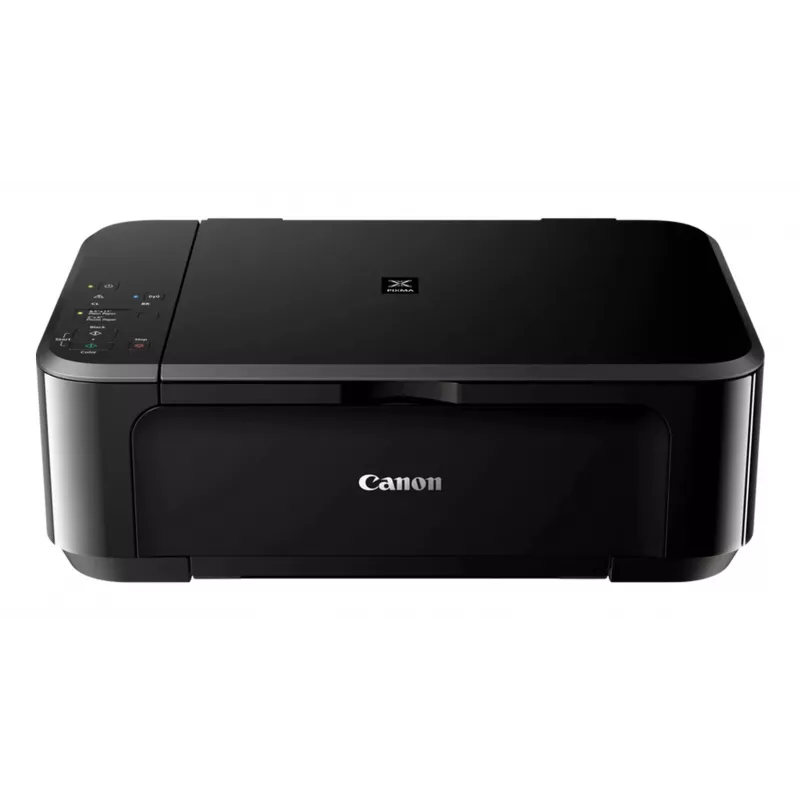
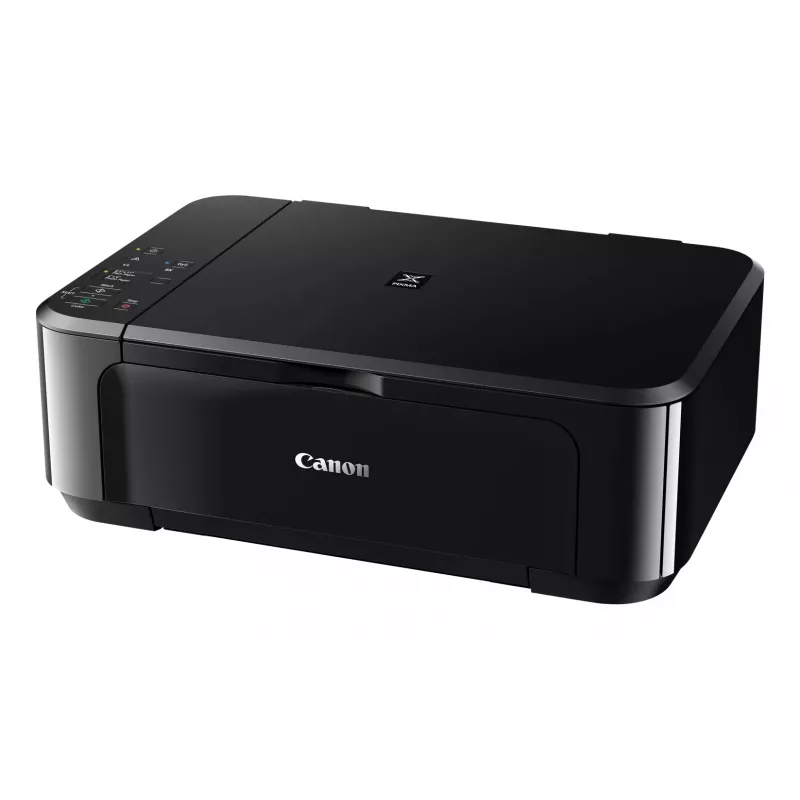
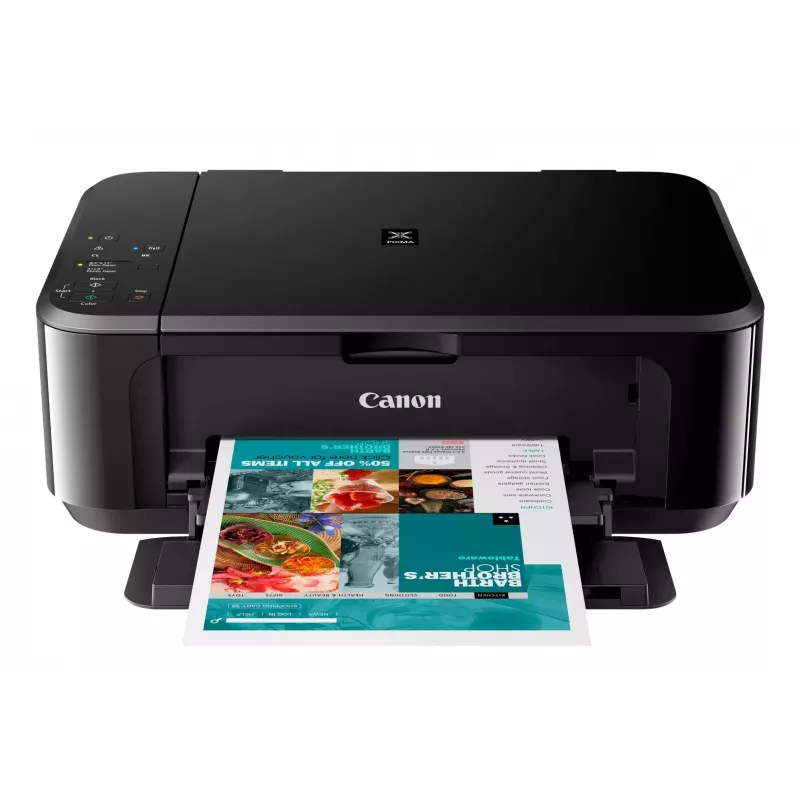
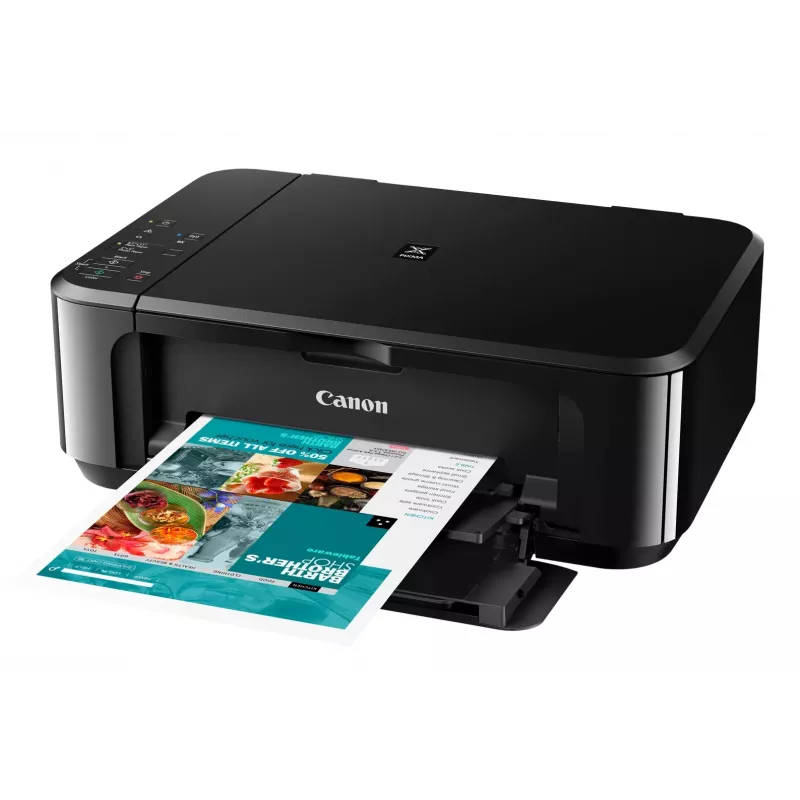
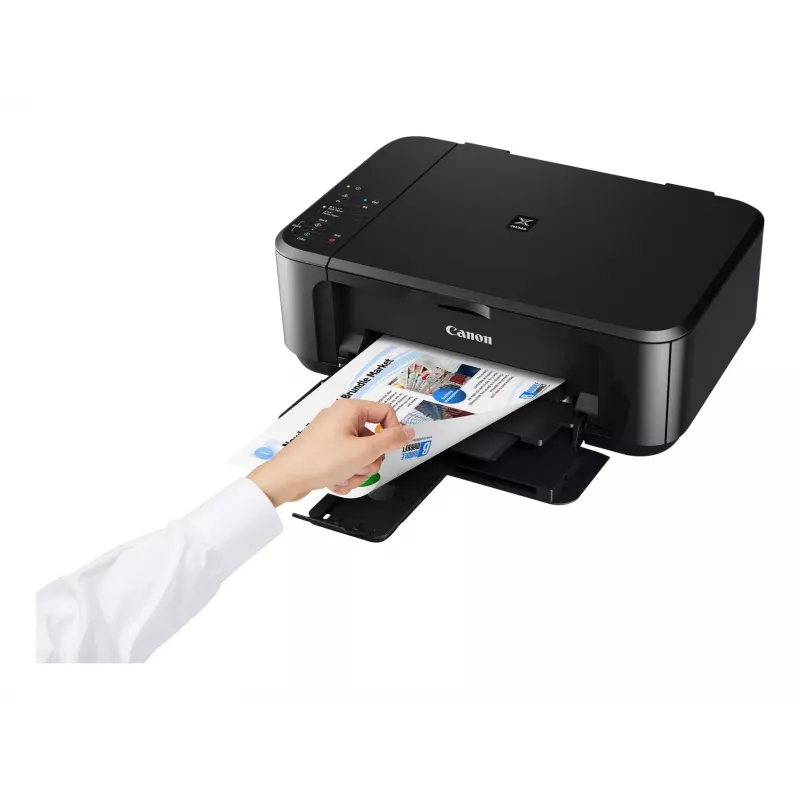
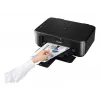
Canon PIXMA MG3650S -mustesuihkutulostin, A4, 4800 x 1200 DPI, Wi-Fi

Canon PIXMA MG3650S -mustesuihkutulostin, A4, 4800 x 1200 DPI, Wi-Fi
158,35 €
The Canon PIXMA MG3650S is a compact Wi‑Fi All‑In‑One printer designed for home and small office use. It offers printing, copying and scanning with optional XL ink cartridges and automatic double‑sided printing, enabling fast, high‑quality borderless photos up to A4 and sharp text documents. Connect... Lue lisää
Varasto Loppu varastostaEi varastossa Tuotekoodi 25793 Merkki Canon Malli 0515C106 Takuu 2 vuotta
KategoriaMonitoimitulostimet

Toimitus ja palautukset

The Canon PIXMA MG3650S is a compact Wi‑Fi All‑In‑One printer designed for home and small office use. It offers printing, copying and scanning with optional XL ink cartridges and automatic double‑sided printing, enabling fast, high‑quality borderless photos up to A4 and sharp text documents. Connectivity options include wireless printing from smartphones and tablets via the Canon PRINT app and direct access to cloud services through PIXMA Cloud Link.

Advantages

This All‑In‑One provides borderless photo printing from 4x6 inch to A4, clear document text and straightforward mobile operation. Integrated cloud connectivity (Google Drive, OneDrive, Dropbox) and the ability to scan or send files by email without a PC increase workflow flexibility. Optional XL cartridges and automatic two‑sided printing reduce consumable costs and paper use.

Key specifications

  • Model: Canon PIXMA MG3650S
  • Functions: Print, copy, scan
  • Connectivity: Wi‑Fi, Canon PRINT app, PIXMA Cloud Link
  • Photo printing: Borderless up to A4; supports 4x6 inch
  • Ink options: Standard and optional XL cartridges (genuine Canon ink required for some cloud/scan functions)
  • Duplex: Automatic 2‑sided printing

How to use

Install the Canon PRINT app on your smartphone or tablet and follow the on‑screen instructions to connect the PIXMA MG3650S to your Wi‑Fi network. Load paper or photo media into the paper tray, select print, copy or scan from the device or app, and choose settings such as borderless printing or double‑sided output. To scan to cloud services or email directly from the printer, sign in to PIXMA Cloud Link within the app and use genuine Canon ink if required for scan‑to‑cloud/email features.

Recommendations

For lower running costs choose optional XL ink cartridges and enable automatic duplex printing where appropriate. Use genuine Canon ink to ensure full functionality of scan‑to‑cloud and scan‑to‑email services and to maintain print quality.
Tärkeimmät ominaisuudet
  • Home & office Inkjet Colour printing
  • 4800 x 1200 DPI
  • A4
  • Colour copying Colour scanning
  • Apple AirPrint, Google Cloud Print, Mopria Print Service, PIXMA Cloud Link
  • Direct printing
  • USB port Wi-Fi
  • 5.4 kg
Tekniset tiedot
Äänitehotaso (valmiustila)
43.5 dB
AC-tulojännite
100 - 240 V
AC-tulotaajuus
50 - 60 Hz
Ethernet LAN
No
Faksaus
No
Harmonized System (HS) -koodi
84433100
ISO A -sarjan koot (A0...A9)
A4, A5
ISO B -sarjan koot (B0...B9)
B5
Kaksipuolinen tulostus
Yes
Kaksipuolisen tulostuksen tila
Auto
Käytön suhteellinen ilmankosteus (H-H)
10 - 90%
Käyttölämpötila (T-T)
5 - 35 °C
Kirjekuorikoot
10, DL
Kopioiden enimmäismäärä
21 copies
Kopiointi
Colour copying
Korkeus
152 mm
Leveys
449 mm
Markkina-asemointi
Home & office
Mobiilitulostustekniikat
Apple AirPrint, Google Cloud Print, Mopria Print Service, PIXMA Cloud Link
Mukana tulevat ohjelmistot
MP Driver including Scanning Utility My Image Garden with Full HD Movie Print 9 Quick Menu Easy-WebPrint EX (download)
Muut kuin ISO-paperikoot
Legal, Letter
Optinen skannaustarkkuus
1200 x 2400 DPI
Paino
5.4 kg
Paperilokeron tulostusmateriaalit
Envelopes, Glossy paper, High resolution paper, Matte paper, Photo paper, Plain paper, Semi-glossy paper, T-shirt Transfer
Paperinsyöttötapa
Paper tray
PictBridge
Yes
Sisäänrakennettu näyttö
No
Skannaus
Colour scanning
Skannaustekniikka
CIS
Skannerin tyyppi
Flatbed scanner
Suoratulostus
Yes
Suurin ISO A -sarjan paperikoko
A4
Suurin resoluutio
4800 x 1200 DPI
Suurin skannausalue
216 x 297 mm
Suurin syöttökapasiteetti
100 sheets
Syvyys
304 mm
Tuetut Mac-käyttöjärjestelmät
Yes
Tuetut mobiilikäyttöjärjestelmät
Android, iOS
Tuetut Windows-käyttöjärjestelmät
Yes
Tulostus
Colour printing
Tulostusnopeus (ISO/IEC 24734) musta
9.9 ipm
Tulostusnopeus (ISO/IEC 24734) väri
5.7 ipm
Tulostustekniikka
Inkjet
Tuotteen väri
Black
Turva-algoritmit
WEP, WPA-PSK, WPA2-PSK
USB-liitäntä
Yes
Vakioliitännät
USB, Wireless LAN
Valokuvapaperin koot (tuumaa)
10x15,13x18,20x25
Värikasettien määrä
2
Värisyvyys (lähtö)
24 bit
Värisyvyys (tulo)
48 bit
Virrankulutus (keskimääräinen käyttö)
16 W
Virrankulutus (kopiointi)
16 W
Virrankulutus (pois päältä)
0.1 W
Virrankulutus (valmiustila)
1.4 W
Wi-Fi
Yes
Wi-Fi-standardit
802.11b, 802.11g, Wi-Fi 4 (802.11n)

Käyttöohje

Avaa asiakirja
Hintahistoria ei ole vielä saatavilla
Tästä tuotteesta ei ole vielä kertynyt riittävästi päivittäisiä hintatietoja.

Kirjoita arvostelu

Arvosana *
Nimesi näytetään julkisesti – voit käyttää nimimerkkiä. Kutsumme ostajia kirjoittamaan arvosteluja; tarkistamme arvostelut ennen julkaisua ja julkaisemme myös kriittiset.

Asiantuntija-arvostelut

Teknologiamedioiden riippumattomat arvostelut

goodhousekeeping.comThe
7.8/10

Loppuarvio: At just shy of £40, the Canon Pixma MG3650S is reasonably priced and delivers impressive print quality as well as fast scanning. So, if you're after a budget printer that develops sharp and vibrant photos, it's definitely worth your while. It worked quick...

Plussat
  • It's straightforward to set up and use
  • You can set the printer to automatically print on both sides of paper
  • It's really easy to print from your smartphone or tablet thanks to the Canon Print app, and you can print straight from a digital camera using P
Miinukset
  • There's no memory card slot or LCD screen to print photos from
  • The output tray doesn't always catch the pages after they've been printed
Lue koko arvostelu: goodhousekeeping.com →
techadvisor.co.ukCliff
6/10

Loppuarvio: The high cost of Canon's black ink cartridges means that the MG3650 isn't a good choice for people who mostly just need to print simple text documents. Fortunately colour printing is far more competitive, so it's worth considering if you need a versatile...

Lue koko arvostelu: techadvisor.co.uk →

Lisää Canon-tuotteita tässä kategoriassa

Suositut tuotteet tässä kategoriassa

Myyjä: UAB KUR LT · Laisvės pr. 125A, LT-06118 Vilna, Liettua · Yritystunnus 303192950 · ALV-numero LT100008198612 · Toimitus EU:sta (Liettua)
Hei, olen DistriNoden tekoälyavustaja. Autan sinua löytämään tuotteita, vertailemaan vaihtoehtoja, laatimaan tarjouksia PDF-muodossa tai tekemään tukipyyntöjä.
Kaikki kategoriat