
Tili Ota yhteyttä
Ostoskorisi
Toimitus DPD & FedEx
Tarvitsetko apua? Kysy AI:lta

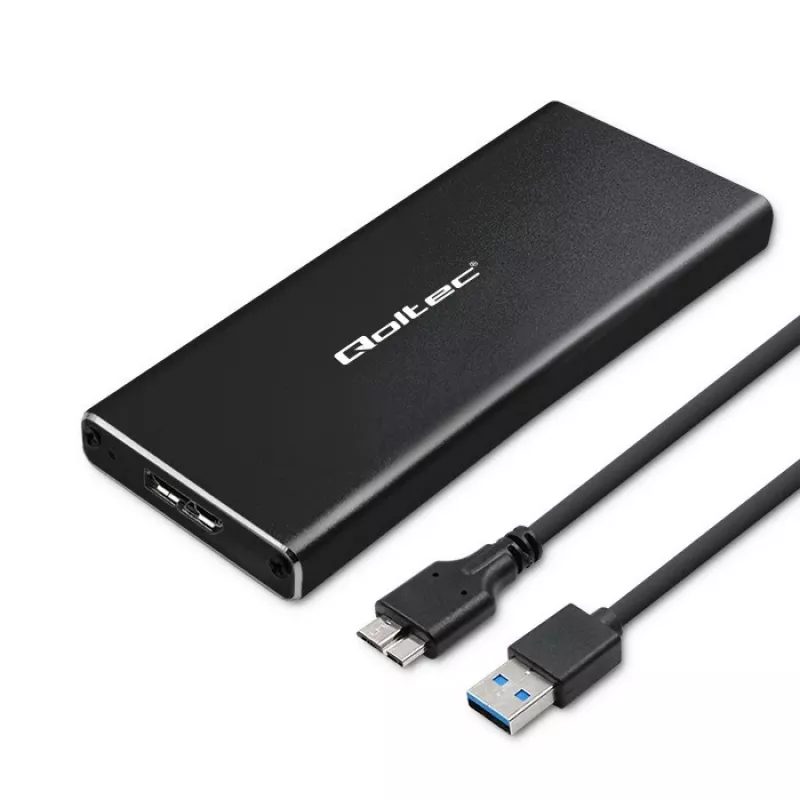
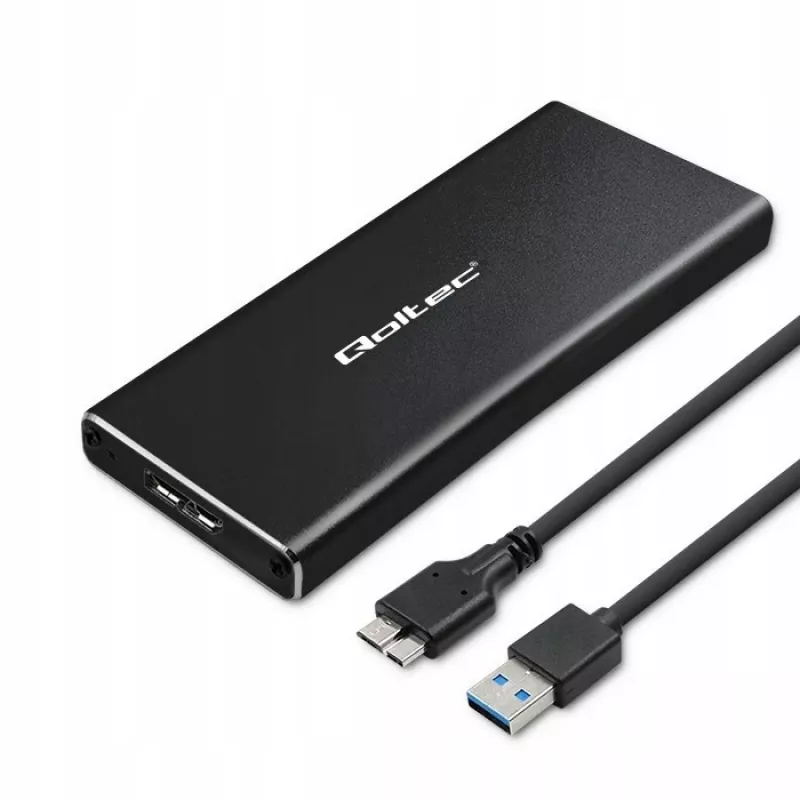
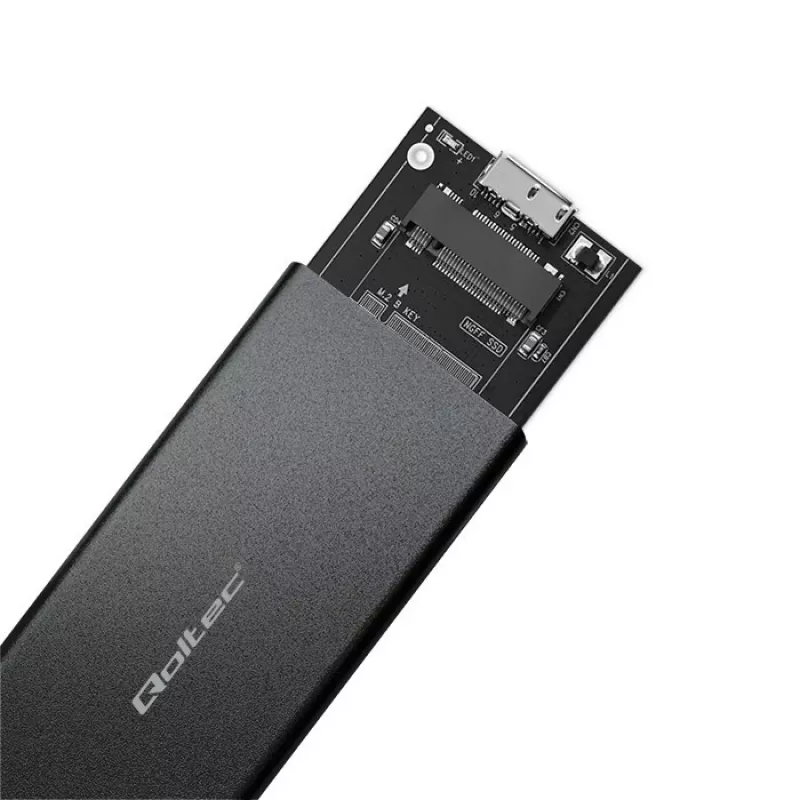
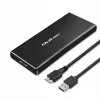
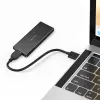
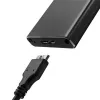
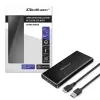
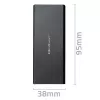
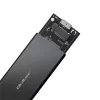
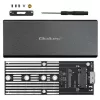
M.2 SATA SSD-kotelo QOLTEC 51854 USB 3.0 työkaluton

M.2 SATA SSD-kotelo QOLTEC 51854 USB 3.0 työkaluton
12,25 €
The QOLTEC M.2 SATA SSD Enclosure 51854 USB 3.0 tool-free is an external enclosure designed to house compatible M.2 SATA solid-state drives and provide fast, portable connectivity to computers via a USB 3.0 interface. It supports tool-free installation, allowing quick insertion and removal of M.2 SA... Lue lisää
Varasto 18 Tuotekoodi 99874 Merkki QOLTEC Malli 51854 Takuu 2 vuotta

Toimitus ja palautukset

Arvioitu toimitusaika Keskiviikko, Lokakuu 14
Saat päivitykset yksityiskohtaisen seurantajärjestelmän kautta
Maksuvaihtoehdot
MaksukorttiVisaMastercardPayPalApple PayGoogle PayTilisiirto

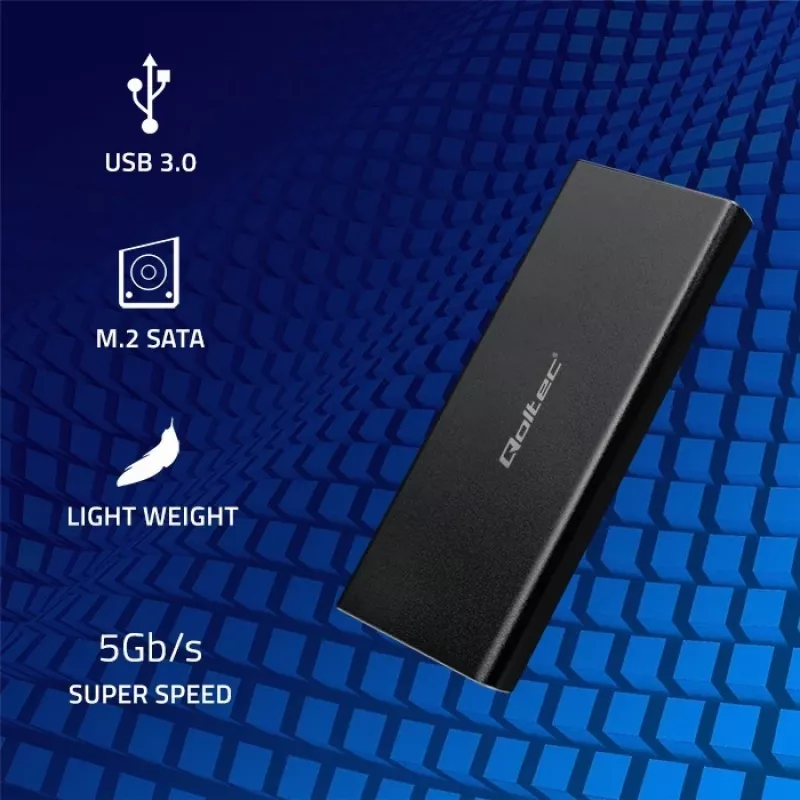
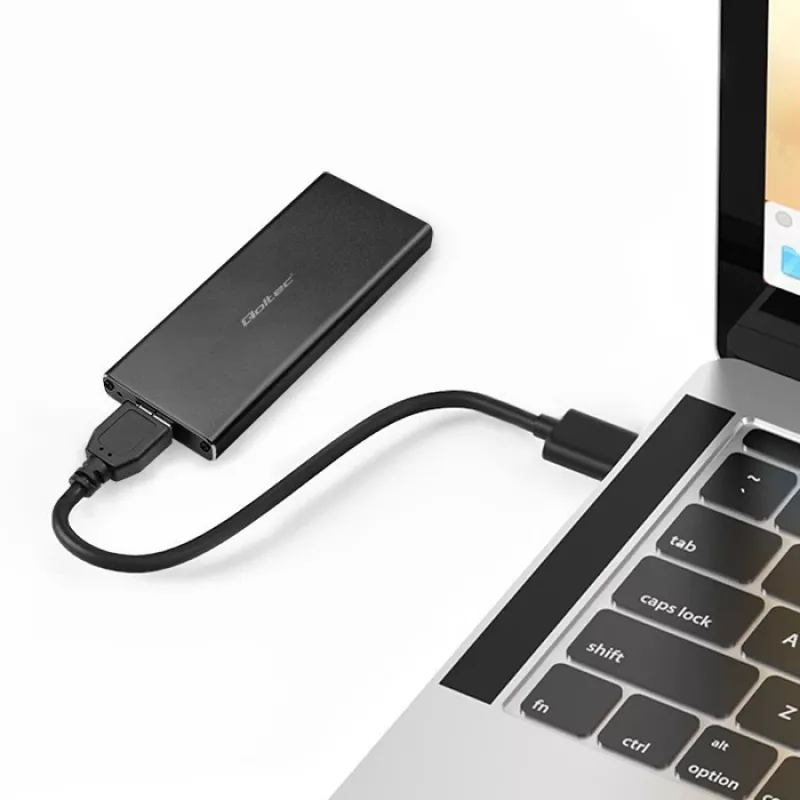
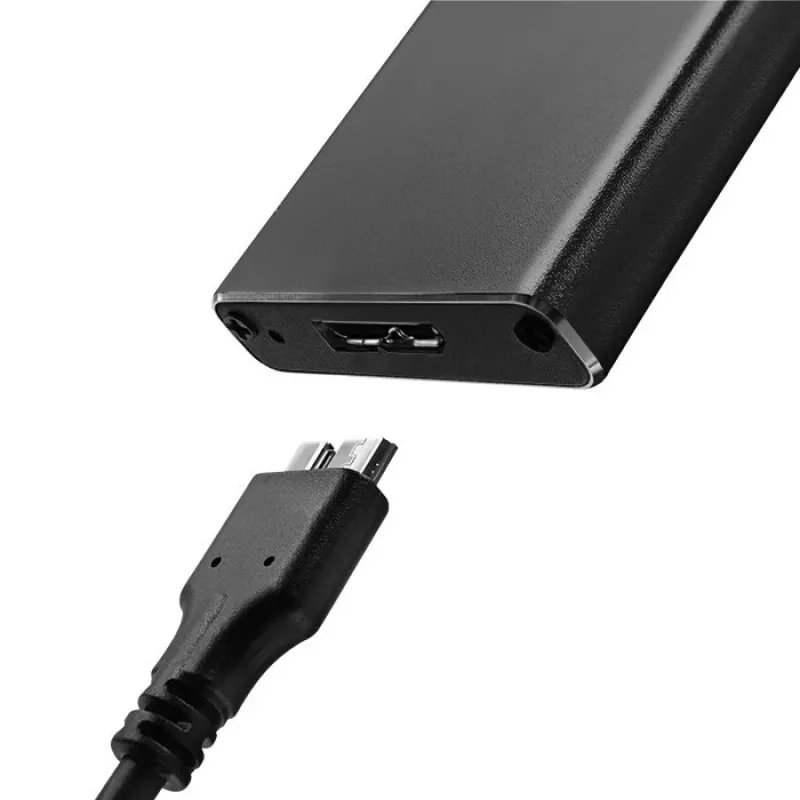
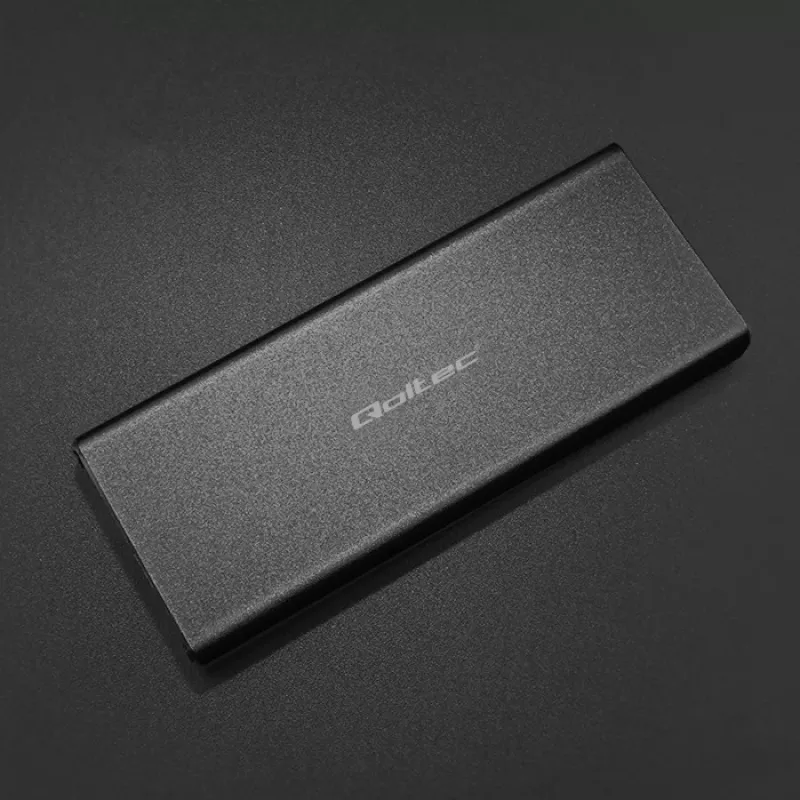
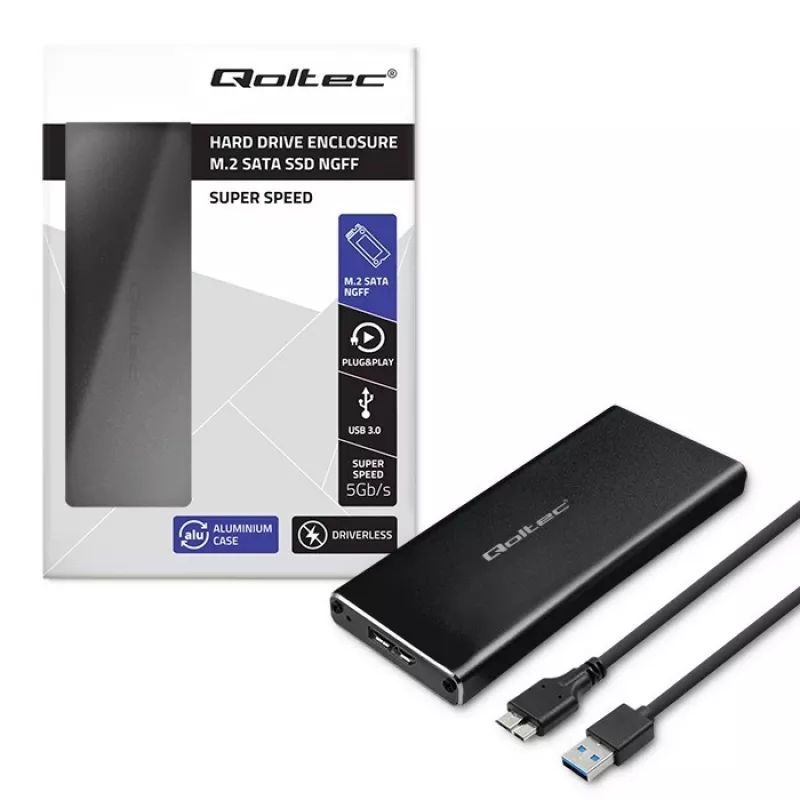
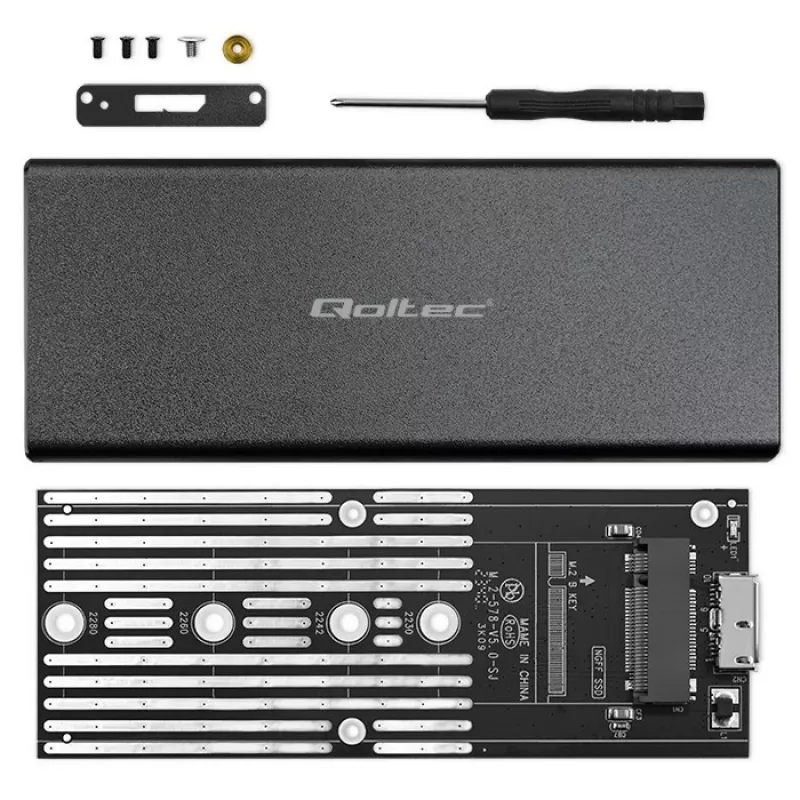
The QOLTEC M.2 SATA SSD Enclosure 51854 USB 3.0 tool-free is an external enclosure designed to house compatible M.2 SATA solid-state drives and provide fast, portable connectivity to computers via a USB 3.0 interface. It supports tool-free installation, allowing quick insertion and removal of M.2 SATA modules without screws or special tools. The enclosure enables plug-and-play access for file transfer, backup, cloning, and portable storage expansion, offering faster throughput than USB 2.0 when connected to a USB 3.0 port.

Advantages

The enclosure offers a compact and lightweight form factor suitable for carrying an M.2 SATA SSD safely while maintaining direct USB 3.0 connectivity for higher transfer speeds. Its tool-free design simplifies drive installation and replacement, reducing setup time and eliminating the need for additional tools. The device is compatible with standard M.2 SATA modules (B+M or B key, where supported by the drive) and provides straightforward plug-and-play operation with most modern laptops and desktops.

Suitable for

  • Expanding portable storage capacity with an existing M.2 SATA SSD
  • Transferring large files between computers quickly using USB 3.0
  • Creating backups or cloning drives for system migration
  • Accessing data from M.2 SATA drives removed from laptops or desktops
  • Temporary use of spare M.2 SATA modules for diagnostics or data recovery

Key specifications

  • Interface to host: USB 3.0 (backward compatible with USB 2.0)
  • Supported drive type: M.2 SATA SSD (single-sided/double-sided depending on drive dimensions)
  • Installation: tool-free mechanism for drive insertion and securing
  • Power: bus-powered via USB connection (no separate power adapter required)
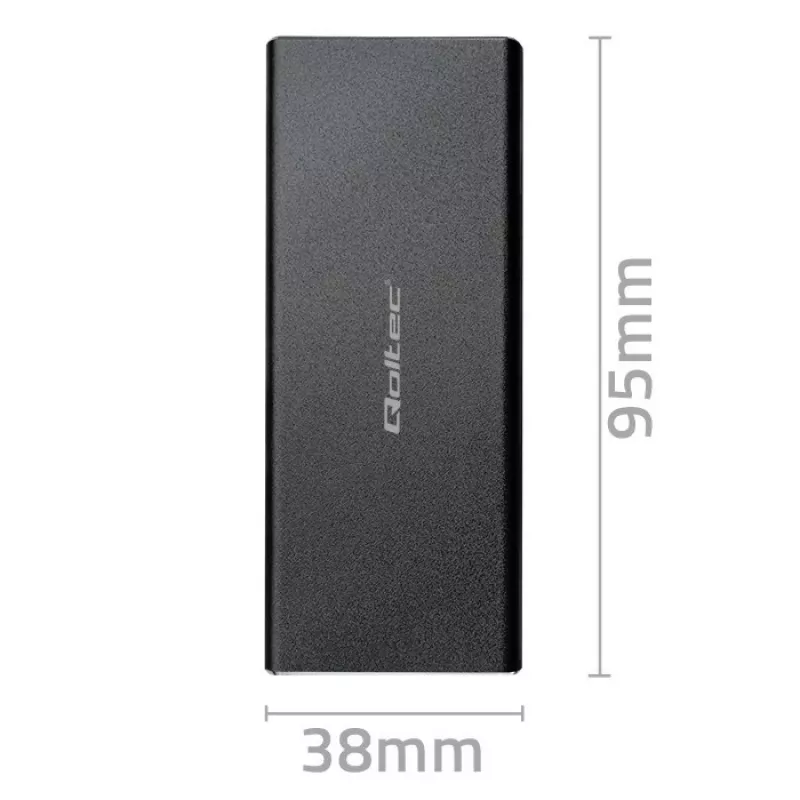
  • Form factor: compact, portable enclosure designed for single M.2 SATA module

How to use

Ensure the M.2 SATA SSD is compatible with M.2 SATA specifications and powered off before installation. Open the enclosure according to the tool-free mechanism, slide the M.2 SATA module into the connector at the correct angle, and secure it following the enclosure’s internal latch or clip. Close the enclosure and connect it to a computer using the supplied USB 3.0 cable. The drive should be recognized automatically by the operating system; if necessary, initialize, partition, or format the SSD using standard system tools. For safe removal, use the operating system’s eject function before disconnecting the USB cable.

Recommendations

Use a USB 3.0 port on the host computer to achieve optimal transfer speeds and ensure the enclosure is placed on a flat, stable surface during operation. Avoid exposing the enclosure to moisture, extreme temperatures, or strong magnetic fields. When handling the M.2 SATA SSD, observe electrostatic discharge precautions. Regularly back up important data stored on the drive and perform safe ejection procedures before disconnecting to prevent data loss.

Tärkeimmät ominaisuudet
  • Expanding portable storage capacity with an existing M.2 SATA SSD
  • Transferring large files between computers quickly using USB 3.0
  • Creating backups or cloning drives for system migration
  • Accessing data from M.2 SATA drives removed from laptops or desktops
  • Temporary use of spare M.2 SATA modules for diagnostics or data recovery
  • Interface to host: USB 3.0 (backward compatible with USB 2.0)
  • Supported drive type: M.2 SATA SSD (single-sided/double-sided depending on drive dimensions)
  • Installation: tool-free mechanism for drive insertion and securing
  • Power: bus-powered via USB connection (no separate power adapter required)
  • Form factor: compact, portable enclosure designed for single M.2 SATA module
Hintahistoria viimeisen 6 kuukauden ajalta
M.2 SATA SSD-kotelo QOLTEC 51854 USB 3.0 työkaluton
Nykyinen
12,25 €
Alin
11,56 €
Ylin
12,48 €
Muutos 24 h
+0,69 €   +6%
Viikko
+0,67 €   +6%
Kuukausi
+0,52 €   +4%

Suositut tuotteet tässä kategoriassa

Hei, olen DistriNoden tekoälyavustaja. Autan sinua löytämään tuotteita, vertailemaan vaihtoehtoja, laatimaan tarjouksia PDF-muodossa tai tekemään tukipyyntöjä.