

Tili Ota yhteyttä
Ostoskorisi
Toimitus DPD & FedEx
Tarvitsetko apua? Kysy AI:lta

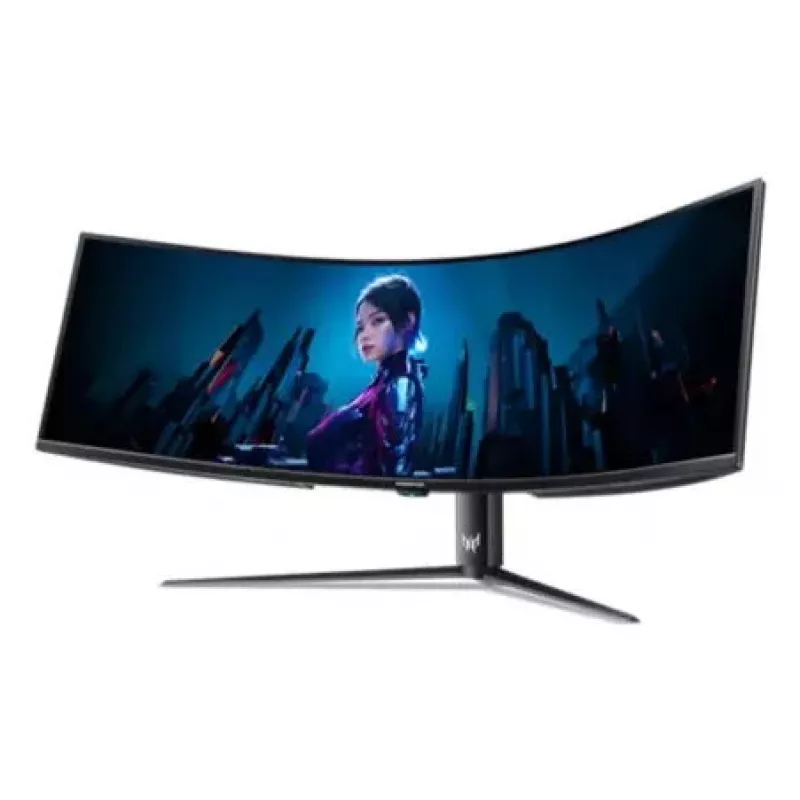
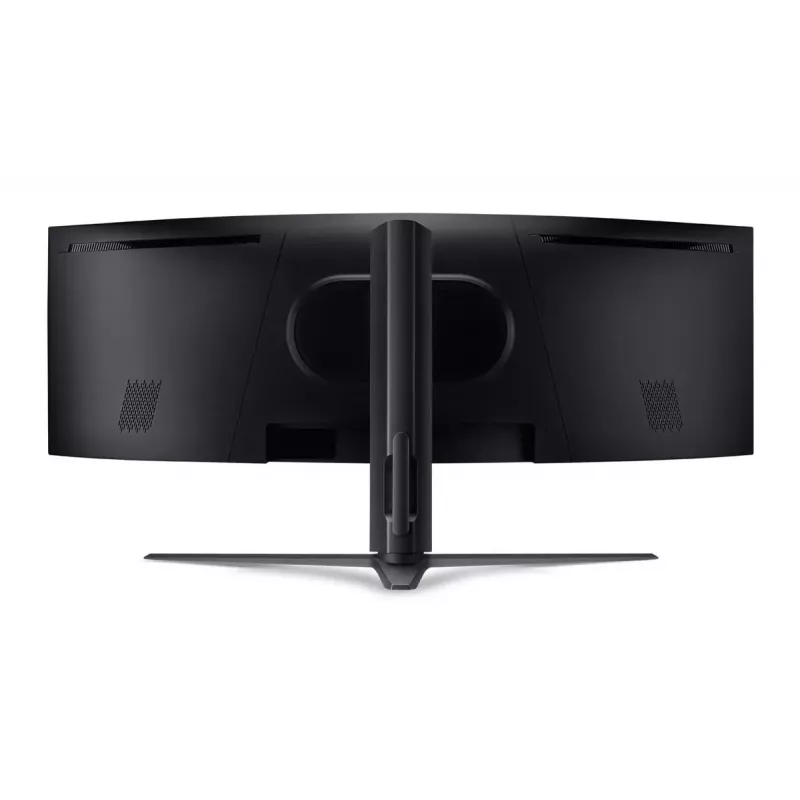
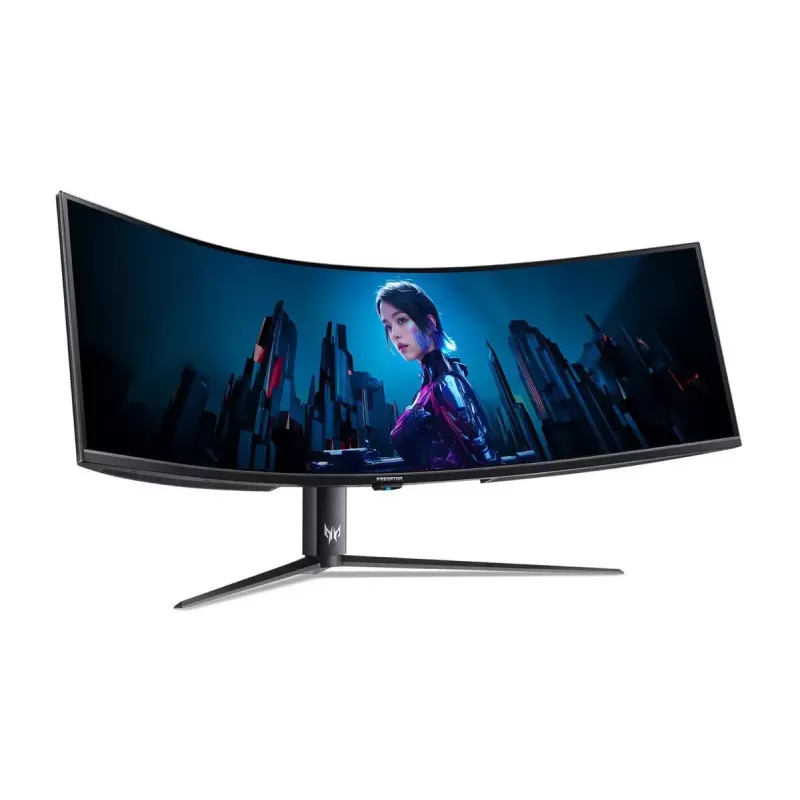
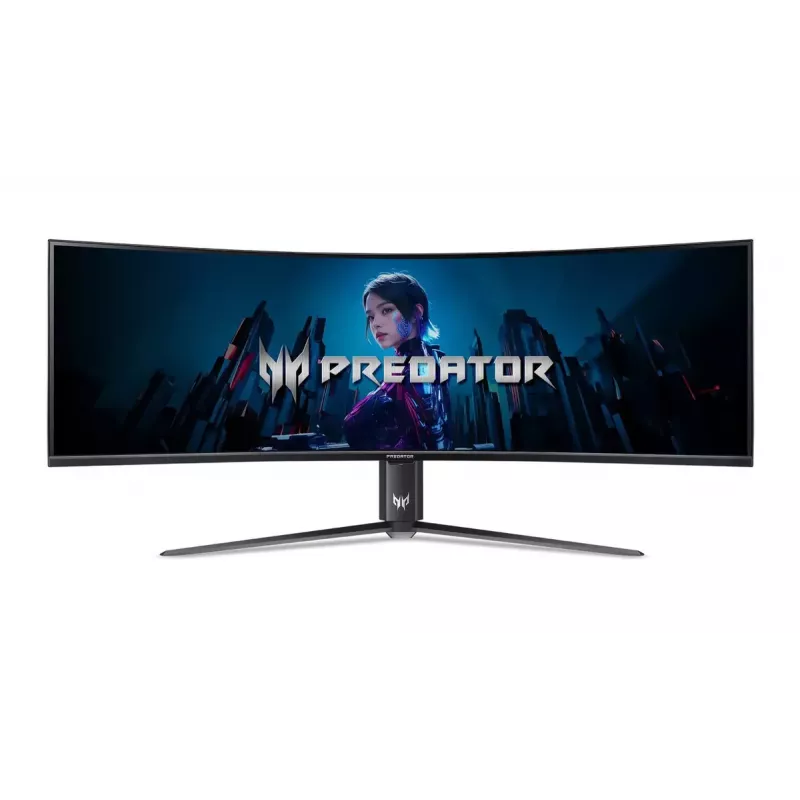
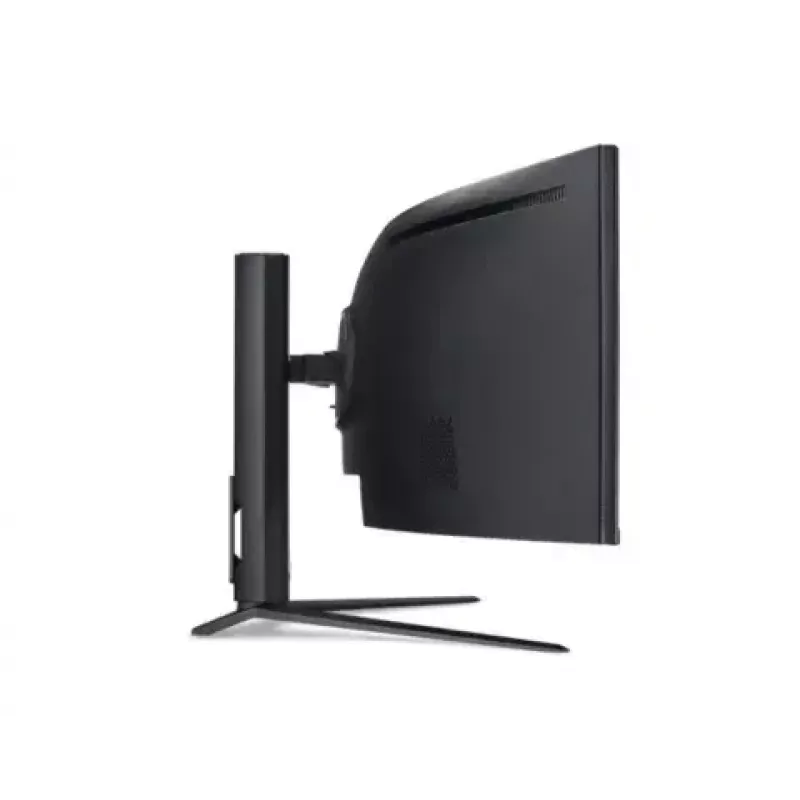
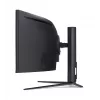
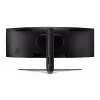
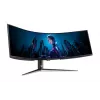
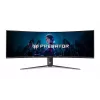
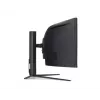
Tietokonenäyttö Acer UM.NZ7EE.001 57" LCD 7680 x 2160

Tietokonenäyttö Acer UM.NZ7EE.001 57
Tietokonenäyttö Acer UM.NZ7EE.001 57" LCD 7680 x 2160
2 544,66 €
The Acer UM.NZ7EE.001 57" LCD delivers an ultra-wide visual workspace with a native 32:9 aspect ratio and an impressive 7680 x 2160 resolution. This curved VA-panel monitor combines high pixel density and a 1 ms response time to provide sharp image detail and reduced motion blur. With 178° horizonta... Lue lisää
Varasto 3 Tuotekoodi 1724111 Merkki ACER Malli UM.NZ7EE.001 Takuu 2 vuotta

Toimitus ja palautukset

Arvioitu toimitusaika Maanantai, Lokakuu 19
Saat päivitykset yksityiskohtaisen seurantajärjestelmän kautta
Maksuvaihtoehdot
MaksukorttiVisaMastercardPayPalApple PayGoogle PayTilisiirto

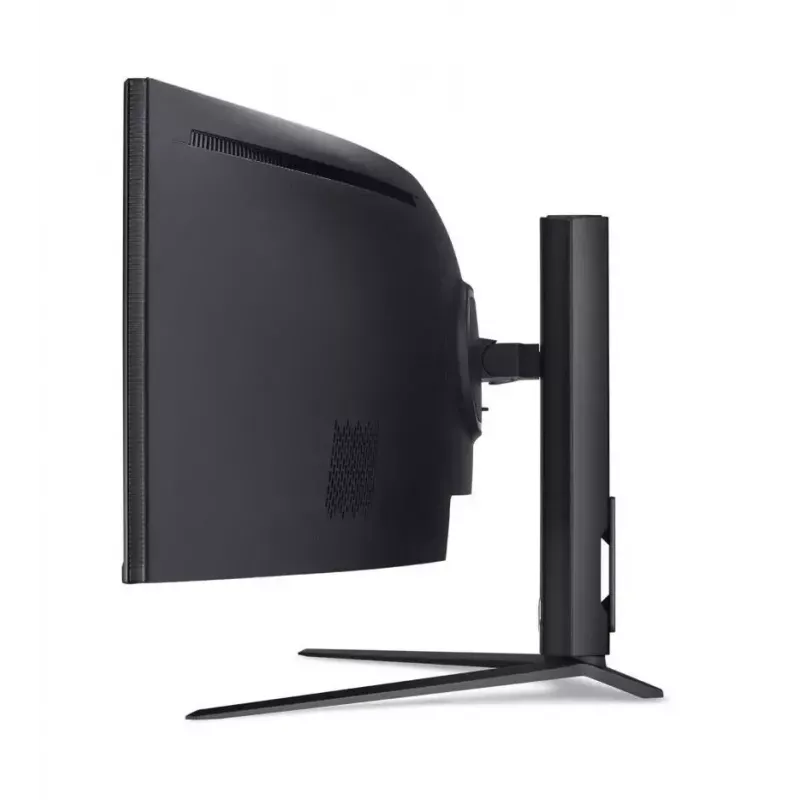
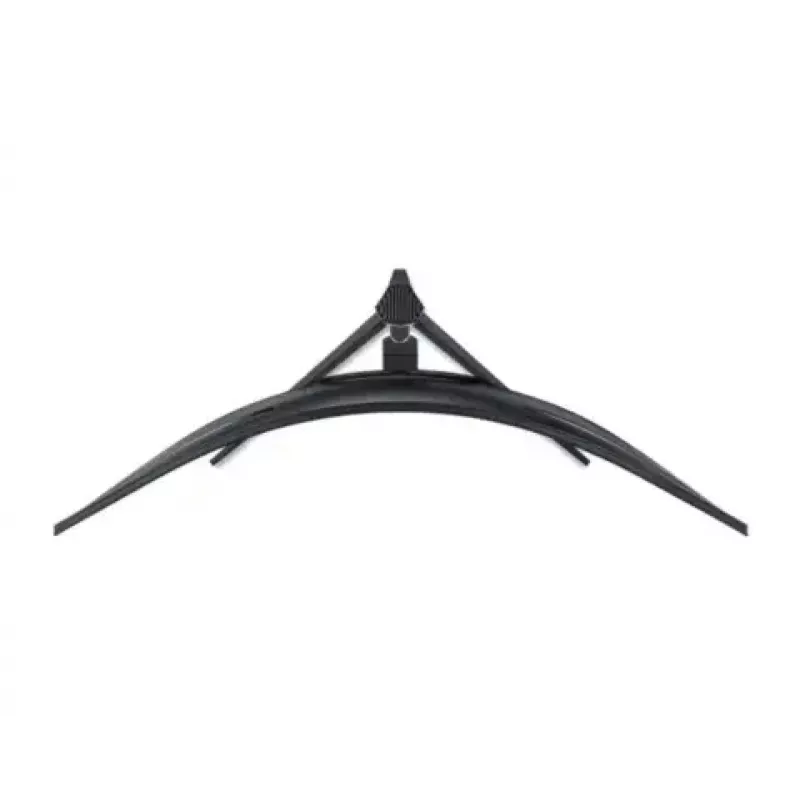
The Acer UM.NZ7EE.001 57" LCD delivers an ultra-wide visual workspace with a native 32:9 aspect ratio and an impressive 7680 x 2160 resolution. This curved VA-panel monitor combines high pixel density and a 1 ms response time to provide sharp image detail and reduced motion blur. With 178° horizontal and vertical viewing angles, 400 cd/m² typical brightness and a 3000:1 typical contrast ratio, the display is designed for clear, consistent visuals across a wide field of view. The unit includes built-in speakers, an integrated USB 3.2 Gen 1 hub, VESA mounting compatibility and height adjustment for ergonomic installation. Finished in black, the monitor suits professional workstations, immersive gaming setups and multitasking environments.

Advantages

The large 57-inch curved screen offers an expansive, uninterrupted workspace that supports multitasking and immersive content viewing without visible bezel seams. The high 7680 x 2160 resolution increases usable screen real estate and fine detail visibility, while the VA panel and 3000:1 contrast ratio produce deep blacks and good contrast for mixed content. A 1 ms response time helps reduce ghosting in fast-moving scenes. Built-in speakers and a USB 3.2 Gen 1 hub simplify connectivity for peripherals, and VESA compatibility with height adjustment provides flexible mounting and ergonomic positioning.

Suitable for

  • Multitasking: multiple application windows and side-by-side documents
  • Immersive gaming and simulation with wide field of view
  • Content creation and video editing that benefit from high resolution and broad timeline visibility
  • Office productivity where large spreadsheets and dashboards are used
  • Home entertainment where integrated audio and wide screen are preferred

Key specifications

  • Display diagonal: 57 inches
  • Display resolution: 7680 x 2160
  • Panel type: VA
  • Aspect ratio: 32:9 (ultra-wide)
  • Response time: 1 ms
  • Typical contrast ratio: 3000:1
  • Typical brightness: 400 cd/m²
  • Viewing angles: 178° horizontal / 178° vertical
  • Screen shape: Curved
  • Built-in speakers: Yes
  • Built-in USB hub: USB 3.2 Gen 1
  • VESA mounting compatibility: Yes
  • Product colour: Black
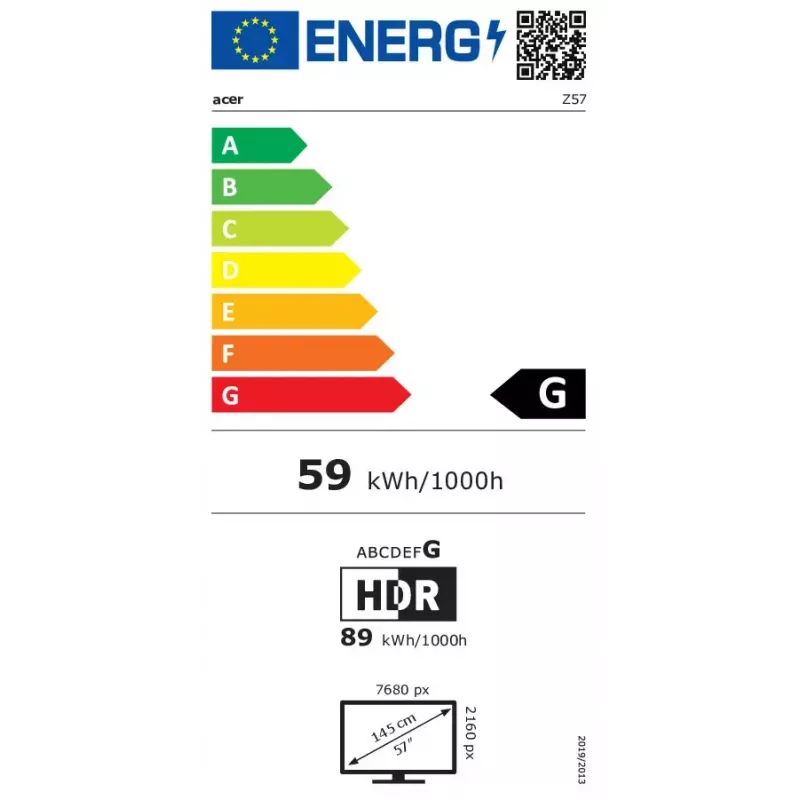
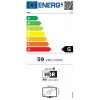
  • Energy efficiency class (SDR/HDR): G / G
  • Energy consumption per 1000 hours (SDR/HDR): 59 kWh / 89 kWh

How to use

Place the Acer 57" monitor on a stable desk or attach it to a VESA-compatible arm or wall mount. Connect video sources using the supported input ports on the monitor (refer to the product manual for available connectors) and set the system output to the native 7680 x 2160 resolution for optimal clarity. Use the on-screen display (OSD) controls to adjust brightness, contrast, and color settings to match your environment. Connect peripherals to the built-in USB 3.2 Gen 1 hub and use the integrated speakers for basic audio; external speakers or headphones can be connected if higher-quality sound is required. Adjust the height to achieve an ergonomic viewing position, keeping the top third of the screen at or slightly below eye level.

Recommendations

For best visual performance, run the monitor at its native resolution and ensure graphics drivers and video cables support the required bandwidth. In bright environments increase brightness moderately, and in darker rooms reduce brightness to minimize eye strain. When using the monitor for extended periods, take regular breaks and maintain ergonomic posture; consider external audio for critical listening and use a high-quality GPU or docking station to support ultra-wide resolutions and high refresh rates if applicable.

Tärkeimmät ominaisuudet
  • Multitasking: multiple application windows and side-by-side documents
  • Immersive gaming and simulation with wide field of view
  • Content creation and video editing that benefit from high resolution and broad timeline visibility
  • Office productivity where large spreadsheets and dashboards are used
  • Home entertainment where integrated audio and wide screen are preferred
  • Display diagonal: 57 inches
  • Display resolution: 7680 x 2160
  • Panel type: VA
  • Aspect ratio: 32:9 (ultra-wide)
  • Response time: 1 ms
  • Typical contrast ratio: 3000:1
  • Typical brightness: 400 cd/m²
  • Viewing angles: 178° horizontal / 178° vertical
  • Screen shape: Curved
  • Built-in speakers: Yes
  • Built-in USB hub: USB 3.2 Gen 1
  • VESA mounting compatibility: Yes
  • Product colour: Black
  • Energy efficiency class (SDR/HDR): G / G
  • Energy consumption per 1000 hours (SDR/HDR): 59 kWh / 89 kWh
Tekniset tiedot
Äänilähtö
Yes
Digitaalinen pystytaajuus
48 - 120
Digitaalinen vaakataajuus
107.52 - 270
DisplayPort-liitäntöjen määrä
1
DisplayPort-versio
1.4
Energiankulutus (HDR) 1000 tuntia kohden
89 kWh
Energiankulutus (SDR) 1000 tuntia kohden
59 kWh
Energiatehokkuusasteikko
A to G
Energiatehokkuusluokka (HDR)
G
Energiatehokkuusluokka (SDR)
G
Eurooppalainen energiamerkintöjen tuoterekisteri (EPREL) -koodi
1998324
HDMI
Yes
HDMI-liitäntöjen määrä
2
High Dynamic Range (HDR) -tekniikka
DisplayHDR 600
High Dynamic Range (HDR) -tuki
Yes
Jalusta mukana
Yes
Kääntökulma-alue
-30 - 30
Kääntyvä
Yes
Kaiuttimien määrä
2
Kallistuskulma-alue
-5 - 15
Katselukulma, pysty
178 °
Katselukulma, vaaka
178 °
Kontrastisuhde (dynaaminen)
100:1
Kontrastisuhde (tyypillinen)
3000:1
Korkeuden säätö
Yes
Korkeuden säätö (maks.)
110 mm
Korkeus (jalustan kanssa)
619.1 mm
Kosketusnäyttö
No
LED-taustavalo
Yes
Leveys (jalustan kanssa)
1314.5 mm
Markkina-asemointi
Gaming
Mukana tulevat kaapelit
HDMI, USB
Natiivi kuvasuhde
32:9
Näytön kirkkaus (huippu)
1000 cd/m²
Näytön kirkkaus (tyypillinen)
400 cd/m²
Näytön koko
57 "
Näytön koko (metrinen)
144.8 cm
Näytön muoto
Curved
Näytön resoluutio
7680 x 2160
Paino (jalustan kanssa)
15000 g
Pakkauksen korkeus
475 mm
Pakkauksen leveys
1450 mm
Pakkauksen paino
27000 g
Pakkauksen syvyys
575 mm
Paneelin kiinnitysliitäntä
100 x 100
Paneelin tyyppi
VA
Pikaopas
Yes
RMS-nimellisteho
20 W
Sertifiointi
MPR-II, Windows 10 compliant
Sisäänrakennettu kamera
No
Sisäänrakennettu USB-keskitin
Yes
Sisäänrakennetut kaiuttimet
Yes
Suurin virkistystaajuus
120 Hz
Syvyys (ilman jalustaa)
543.9 mm
Syvyys (jalustan kanssa)
729.1 mm
Taustavalon tyyppi
Mini LED
Tuotteen väri
Black
Upstream-porttien määrä
4
USB Power Delivery (maks.)
90 W
USB Power Delivery (USB PD)
Yes
USB-keskittimen versio
3.2 Gen 1 (3.1 Gen 1)
Väriavaruus
98 %
Väriavaruusstandardi
DCI-P3
Vasteaika
1 ms
VESA-kiinnitys
Yes

Energiamerkintä

Avaa asiakirja
Energiamerkintä
Hintahistoria viimeisen 6 kuukauden ajalta
Tietokonenäyttö Acer UM.NZ7EE.001 57" LCD 7680 x 2160
Nykyinen
2 544,66 €
Alin
2 460,26 €
Ylin
4 927,64 €
Muutos 24 h
+84,40 €   +3%
Viikko
-271,68 €   -10%
Kuukausi
-237,66 €   -9%

Suositut tuotteet tässä kategoriassa

Hei, olen DistriNoden tekoälyavustaja. Autan sinua löytämään tuotteita, vertailemaan vaihtoehtoja, laatimaan tarjouksia PDF-muodossa tai tekemään tukipyyntöjä.