
Tili Ota yhteyttä
Ostoskorisi
Toimitus DPD & FedEx
Tarvitsetko apua? Kysy AI:lta

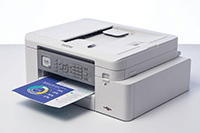
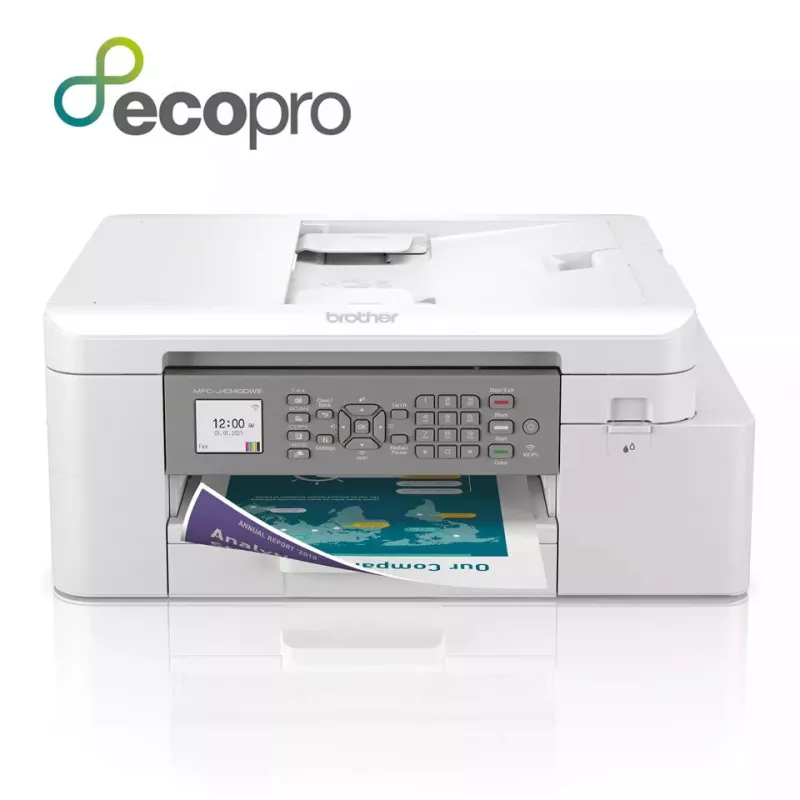
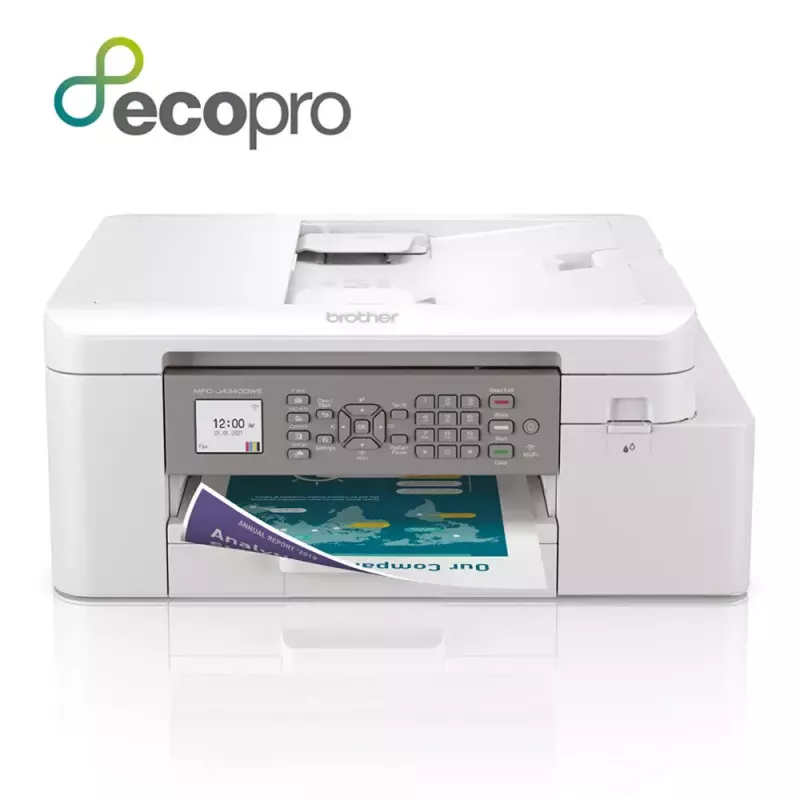
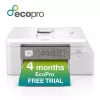
Brother MFC-J4340DWE monitoimitulostin mustesuihku A4 1200 x 4800 DPI Wi-Fi

Brother MFC-J4340DWE monitoimitulostin mustesuihku A4 1200 x 4800 DPI Wi-Fi
549,33 €
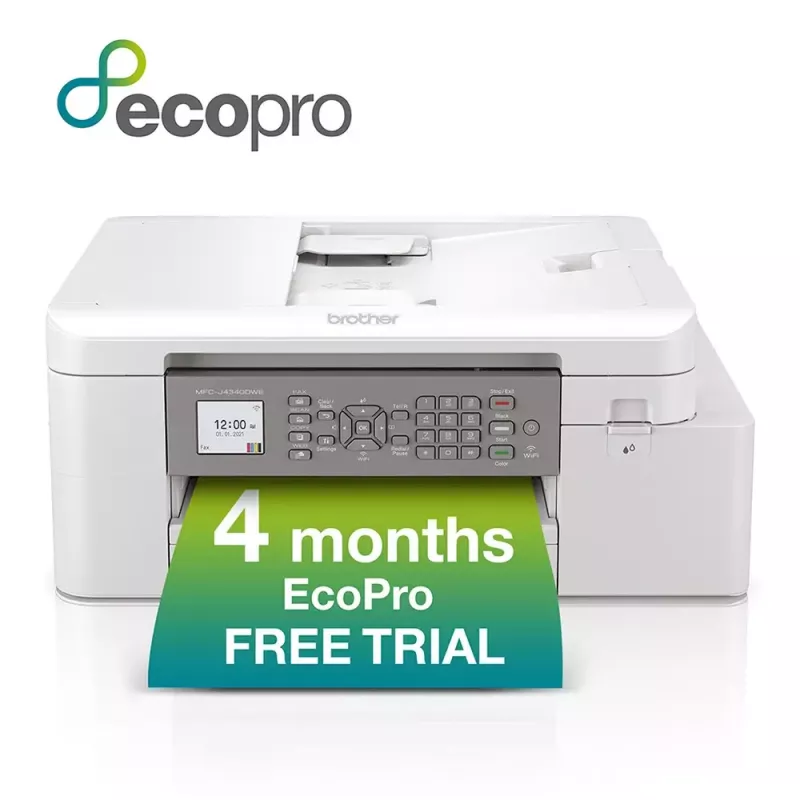
Available at Argos!Purchase the MFC-J4340DWE and receive:A powerful device with print, copy, scan and fax functionality, as well as a wide range of connectivity optionsA FREE 4 month EcoPro subscription trialAutomatic FREE delivery of Brother original ink suppliesA lifetime warranty support for your... Lue lisää
Varasto 5 Tuotekoodi 31195 Merkki BROTHER Malli MFC-J4340DWE Takuu 2 vuotta

Toimitus ja palautukset

Arvioitu toimitusaika Tiistai, Lokakuu 27
Saat päivitykset yksityiskohtaisen seurantajärjestelmän kautta
Maksuvaihtoehdot
MaksukorttiVisaMastercardPayPalApple PayGoogle PayTilisiirto
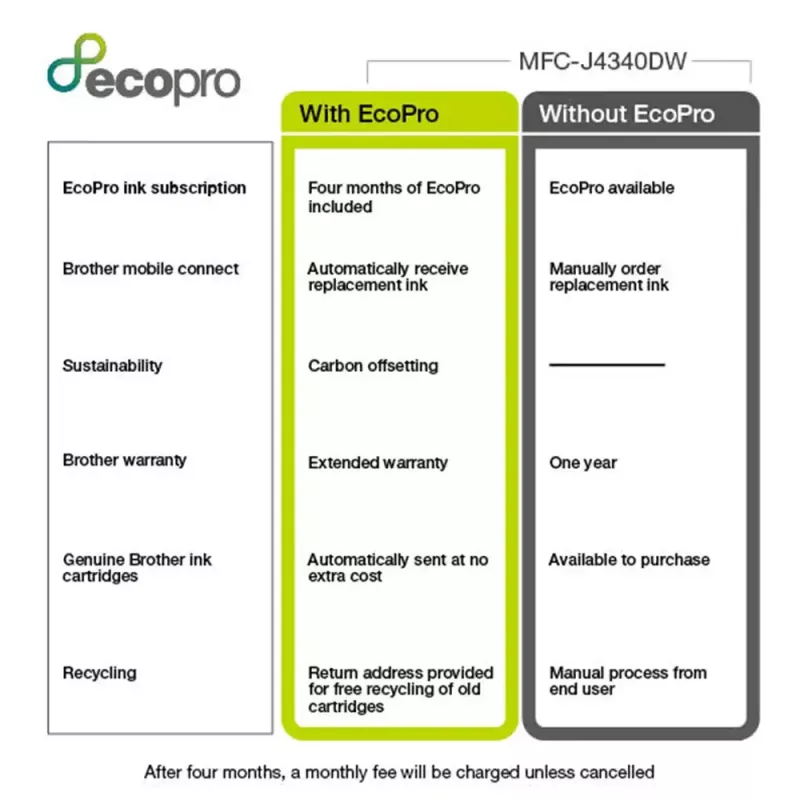
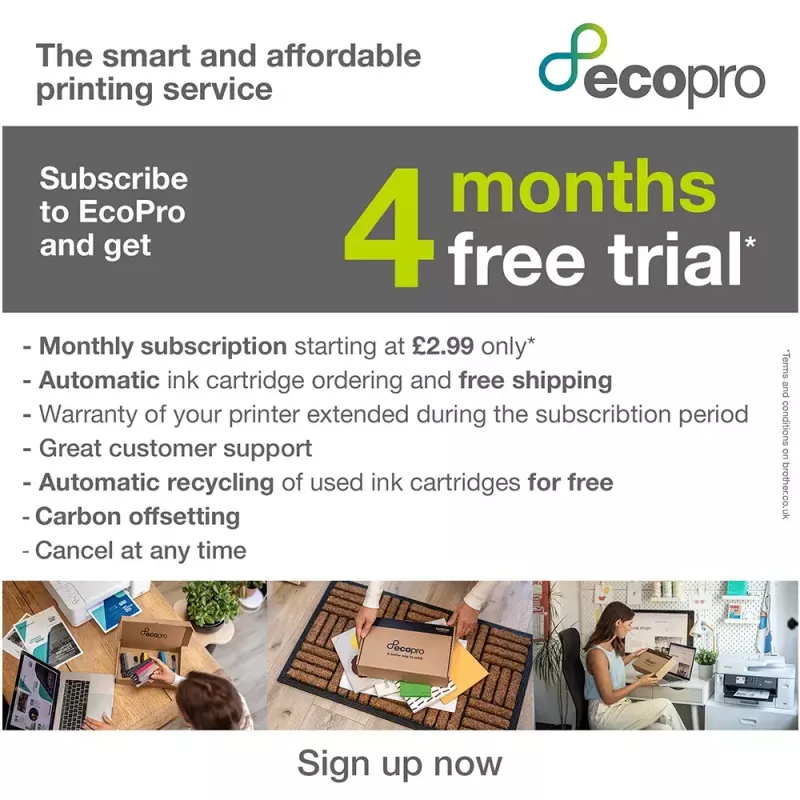
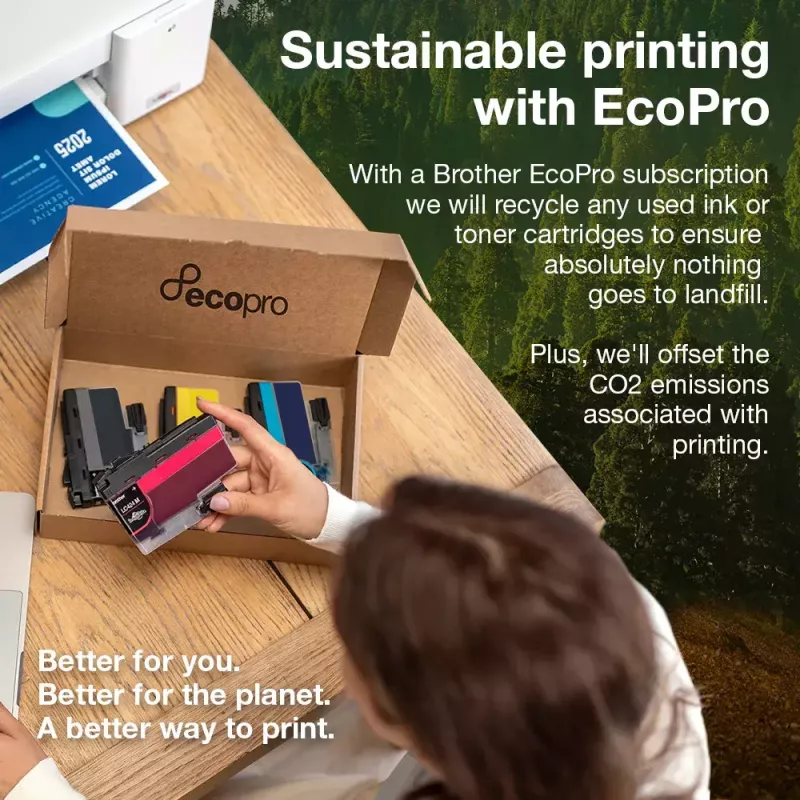
Available at Argos!Purchase the MFC-J4340DWE and receive:A powerful device with print, copy, scan and fax functionality, as well as a wide range of connectivity optionsA FREE 4 month EcoPro subscription trialAutomatic FREE delivery of Brother original ink suppliesA lifetime warranty support for your printerNow you will never run out of ink with a straight forward ink delivery subscription.Recycle your empty ink cartridges for FREE, responsibly protecting the environment. Brother has a zero waste to landfill policy for empty cartridges returned and for every Brother supply returned to us we donate to our rainforest-saving charity partner Cool Earth. By recycling, you're protecting the environment and supporting the rainforest with Cool Earth. Better for you, better for the planet, a better way to print.
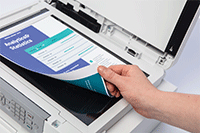
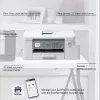
Scanning technology to improve work flow, even when working remotely

Scanning technology to improve work flow, even when working remotely

As a multifunction device this machines does so much more than print. The scanning opportunities available for example can significantly enhance your productivity from home. You can scan in colour or mono at high speeds to several destinations to boost workflow:ImageFileOCREmail

Professional print quality and efficiency from the comfort of your home

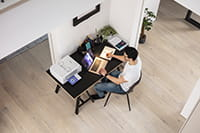
Your workplace may be at home but that should not mean print quality should be compromised. With the MFC-J4340DW you can expect print quality of the highest order, at quick, hassle-free speeds.If you’re working on large documents, these multifunction devices give you the opportunity to print focus on your work while it processes your documents. Whether it’s printing double sided automatically, thus saving the environment and paper, or using the automatic document feeder for multipage scanning it’s sure to improve your efficiency.
Professional print quality and efficiency from the comfort of your home
Automated supplies delivered free

Automated supplies delivered free

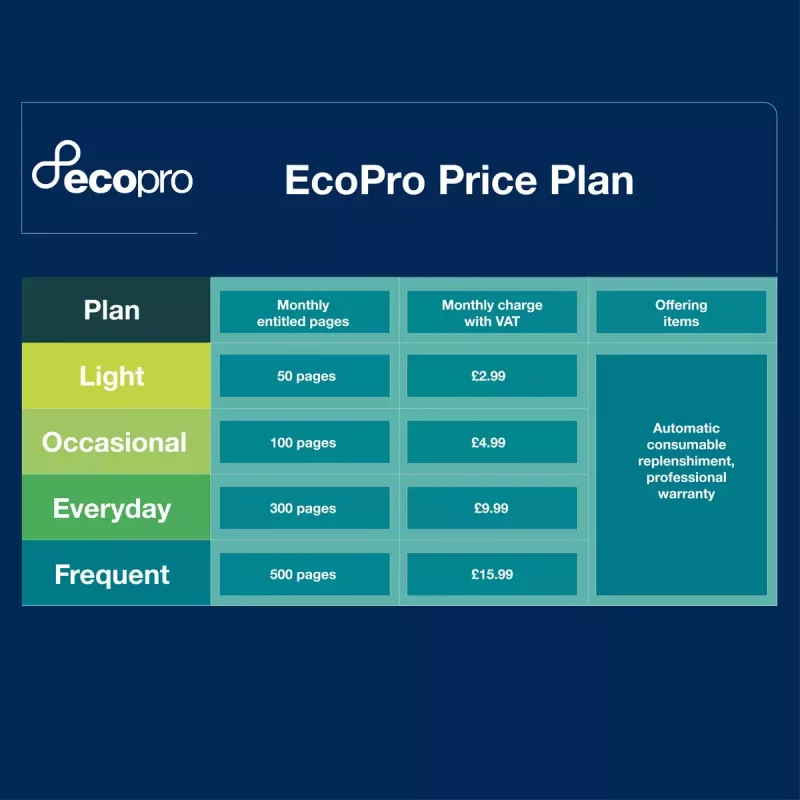
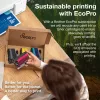
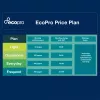
Sign up to the FREE EcoPro trial and supplies are ordered automatically, so you never run out of ink.If you don’t use all your plan pages in a month, the unused pages will be kept in your account and automatically rolled over to the next month.

Easy management with Brother Mobile Connect

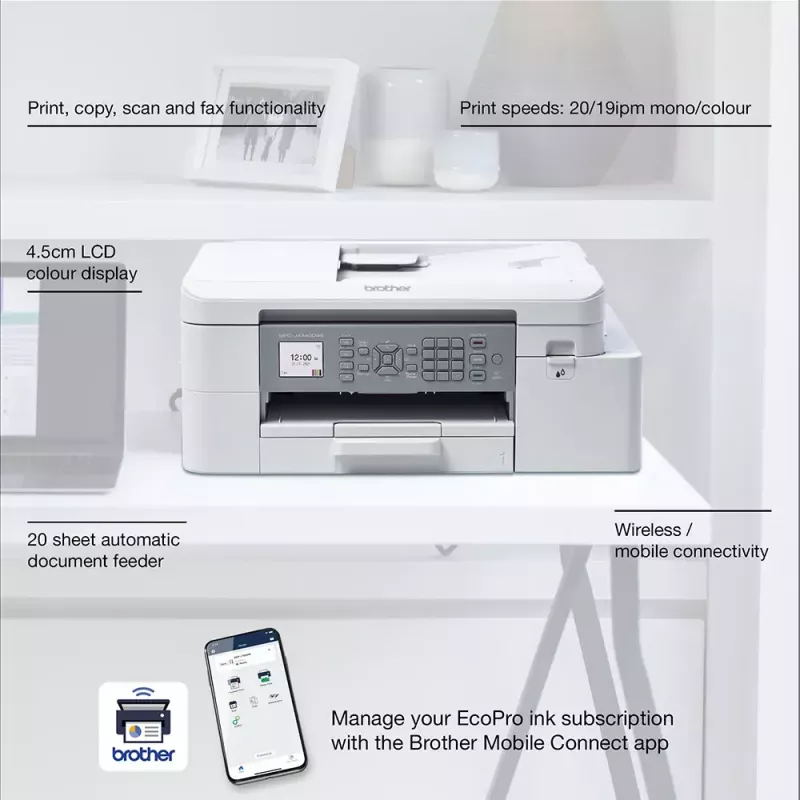
Fully manage your subscription with the Brother Mobile Connect app. Download the app to fully operate your Brother printer from anywhere. Brother Mobile Connect provides intuitive, time saving functionality to fit seamlessly into a busy life. Download the Brother Mobile Connect app to easily print from anywhere, manage your ink levels and fully operate your Brother printer from your mobile device.
Easy management with Brother Mobile Connect
Easy recycling with Brother

Easy recycling with Brother

You can also return your used cartridges back to us to be recycled, absolutely free of charge.With EcoPro, you'll get a free postage label with every ink and toner cartridge you receive.

What is an EcoPro subscription plan?

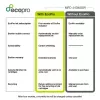
EcoPro is a better way to print for home offices and small businesses, with automatic free ink delivery direct to your door. It’s a subscription plan that helps you save on ink costs, offers warranty and ongoing service support for your printer, whilst focusing on reducing waste through recycling empty ink cartridges.
What is an EcoPro subscription plan?
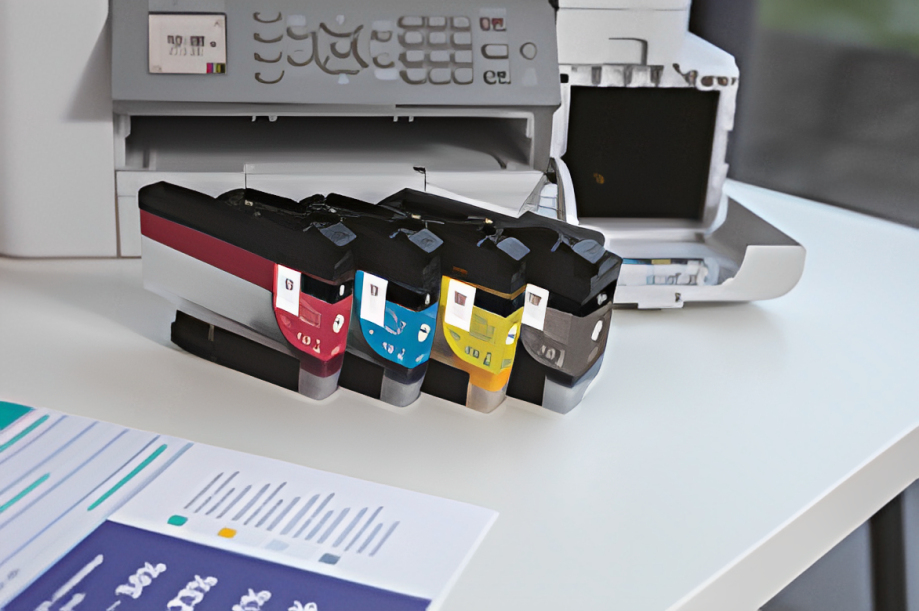
Keep on top of your ink useage, quickly and easily

Keep on top of your ink useage, quickly and easily

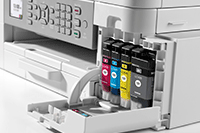
We’ve reengineered our ink cartridges to hold more ink and created an internal ink storage tank that delivers more pages of uninterrupted printing without sacrificing the compact, desktop size. Also, thanks to the page gauge feature you can check remaining ink levels on your LCD display to help avoid interrupted printing.

EcoPro printing warranty

Protected by EcoPro warranty you can feel secure with the reassurance that quality of product is maintained.EcoPro subscription protects your printer warranty maintaining and supporting your printing needs.
EcoPro printing warranty

How to use

Unbox the Brother MFC-J4340DWE, install the supplied ink cartridges and connect the device to your Wi‑Fi network or a computer following the quick start guide. Load A4 paper into the tray and select duplex options in the printer settings when double-sided copies or scans are required. Use the control panel or Brother’s mobile app/software to initiate print, copy, scan or fax tasks.

Recommendations

Use genuine Brother inks and enrol in the EcoPro automatic ink delivery to maintain print quality and ensure warranty coverage. Recycle empty cartridges through Brother’s free programme to reduce environmental impact.

Tärkeimmät ominaisuudet
  • Print, copy, scan & fax functionality
  • Automatic 2-sided printing
  • Wireless / mobile connectivity
  • 20 sheet automatic document feeder
  • Print speeds: 20 / 19ipm mono/colour (Based on ISO/IEC 24734)
  • 4.5cm LCD colour display
  • Home & office Inkjet Colour printing
  • 1200 x 4800 DPI
  • Printing colours: Black, Cyan, Magenta, Yellow
  • A4
  • Colour copying Colour scanning Colour faxing
  • Apple AirPrint, Brother iPrint & Scan, Mopria Print Service
  • Direct printing
  • USB port Wi-Fi
  • Internal memory: 128 MB Built-in processor 576 MHz
  • 8.83 kg
Tekniset tiedot
Äänenpainetaso (tulostus)
57 dB
Alkuperämaa
Philippines
Asiakirjansyöttölaitteen (ADF) kapasiteetti
20 sheets
Automaattinen asiakirjansyöttölaite (ADF)
Yes
Ensimmäisen kopion aika (musta, normaali)
10.5 s
Ensimmäisen kopion aika (väri, normaali)
13 s
Ensimmäisen sivun tulostusaika (musta, normaali)
5.8 s
Ensimmäisen sivun tulostusaika (väri, normaali)
5.9 s
Ethernet LAN
No
Faksaus
Colour faxing
Faksimuisti
180 pages
Faksin ajastettu lähetys
Yes
Faksin siirtonopeus
14400 sec/page
Harmaasävyjen määrä
256
Harmaasävyjen syvyys (lähtö)
8 bit
Harmaasävyjen syvyys (tulo)
10 bit
ISO A -sarjan koot (A0...A9)
A4, A5, A6
ISO C -sarjan koot (C0...C9)
C5
Julistetulostus
Yes
Kaksipuolinen kopiointi
Yes
Kaksipuolinen skannaus
Yes
Kaksipuolinen tulostus
Yes
Kaksipuolisen kopioinnin tila
Auto
Kaksipuolisen skannauksen tila
Manual
Kaksipuolisen tulostuksen tila
Auto
Kaksipuolisuustoiminnot
Copy, Print, Scan
Kerroksia lavalla
3 pc(s)
Kestävyyssertifikaatit
Blue Angel
Kirjekuorikoot
C5, Com-10, DL, Monarch
Kopioiden enimmäismäärä
99 copies
Kopioinnin enimmäiskoko
A4
Kopioinnin enimmäistarkkuus
1200 x 2400 DPI
Kopioinnin skaalaus
25 - 400%
Kopiointi
Colour copying
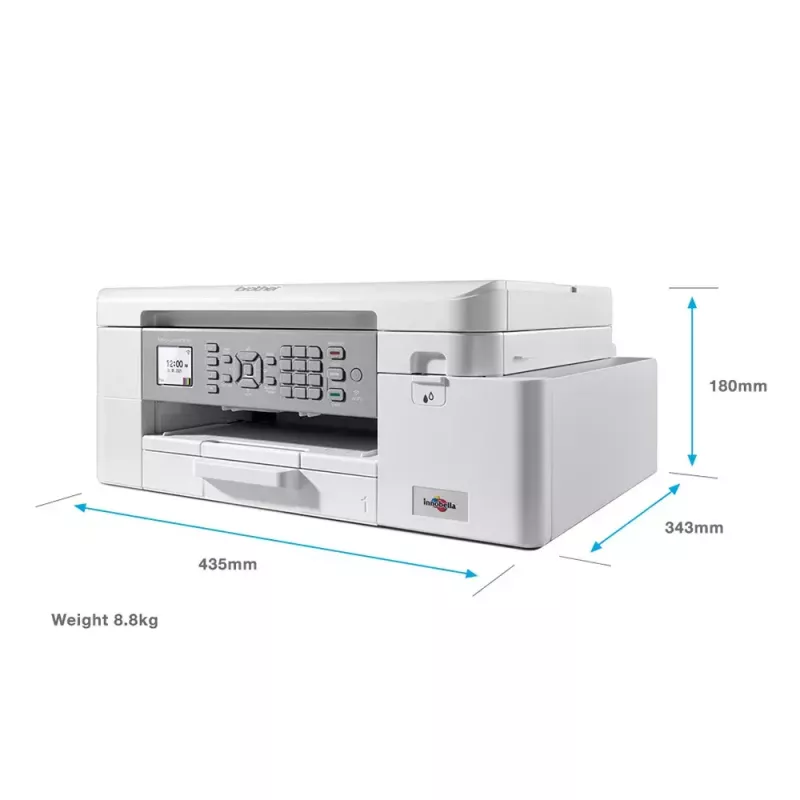
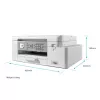
Korkeus
180 mm
Lavan bruttokorkeus
14.8 cm
Lavan bruttopaino
243.3 kg
Lavan tyyppi
800 x 1200 mm
Leveys
435 mm
Luovutuskapasiteetti yhteensä
100 sheets
Markkina-asemointi
Home & office
Mobiilitulostustekniikat
Apple AirPrint, Brother iPrint & Scan, Mopria Print Service
Monen sivun tulostus
2, 4, 9, 16
Monikäyttölokero
Yes
Monikäyttölokeron materiaalin paino
64 - 300 g/m²
Mukana tulevat kaapelit
AC
Muut kuin ISO-paperikoot
Legal, Letter
N-in-1-kopiointitoiminto
Yes
N-in-1-kopiointitoiminto (N=)
2, 4
N-in-1-tulostustoiminto
Yes
Näytön koko
4.57 cm (1.8")
Näyttö
LCD
Ohjaustyyppi
Buttons
Optinen skannaustarkkuus
1200 x 2400 DPI
Paino
8.83 kg
Pakkauksen korkeus
455 mm
Pakkauksen leveys
495 mm
Pakkauksen paino
10.7 kg
Pakkauksen syvyys
242 mm
Paperilokeron 1 syöttökapasiteetti
150 sheets
Paperilokeron materiaalin paino
64 - 220 g/m²
Paperilokeron tulostusmateriaalit
Glossy paper, Plain paper, Recycled paper
Prosessorin taajuus
576 MHz
Sisäänrakennettu näyttö
Yes
Sisäänrakennettu prosessori
Yes
Sisäinen muisti
128 MB
Skannaus
Colour scanning
Skannaus kohteeseen
E-mail, File, Image, OCR
Skannaustekniikka
CIS
Skanneriajurit
TWAIN, WIA
Skannerin tyyppi
Flatbed & ADF scanner
Suoratulostus
Yes
Suositeltu kuukausittainen tulostusmäärä
250 - 2000 pages per month
Suurin ISO A -sarjan paperikoko
A4
Suurin kuukausittainen tulostusmäärä
30000 pages per month
Suurin resoluutio
1200 x 4800 DPI
Suurin skannausalue
213.9 x 295 mm
Syöttökapasiteetti yhteensä
150 sheets
Syöttölokeroiden kokonaismäärä
1
Syvyys
360 mm
Tuetut Mac-käyttöjärjestelmät
Mac OS X 10.10 Yosemite, Mac OS X 10.11 El Capitan, Mac OS X 10.12 Sierra, Mac OS X 10.13 High Sierra, Mac OS X 10.14 Mojave, Mac OS X 10.15 Catalina, Mac OS X 10.15.3 Catalina, Mac OS X 10.8 Mountain Lion, Mac OS X 10.9 Mavericks
Tuetut palvelinkäyttöjärjestelmät
Windows Server 2008, Windows Server 2008 R2, Windows Server 2012, Windows Server 2012 R2, Windows Server 2016
Tuetut verkkoprotokollat (IPv4)
ARP,RARP,BOOTP, DHCP,APIPA(AutoIP),WINS/NetBIOS name resolution, DNS Resolver, mDNS, LLMNR responder, LPR/LPD,CustomRawPort/ Port9100, IPP, SNMPv1/v2c,TFTPserver,ICMP,Web Services(Print/Scan),SNTP Client,HTTPServer
Tuetut verkkoprotokollat (IPv6)
NDP,RA,mDNS,LLMNRResponder, DNS Resolver, LPR/LPD,Custom Raw Port/ Port9100,IPP,SNMPv1/v2c,TFTPserver,WebServices (Print/Scan), SNTP Client, ICMPv6,HTTPServer
Tuetut Windows-käyttöjärjestelmät
Windows 10, Windows 7, Windows 8, Windows 8.1
Tulostus
Colour printing
Tulostusnopeus (ISO/IEC 24734) musta
20 ipm
Tulostusnopeus (ISO/IEC 24734) väri
19 ipm
Tulostustekniikka
Inkjet
Tulostusvärit
Black, Cyan, Magenta, Yellow
Tuotteen väri
White
Tuotteita lavalla
21 pc(s)
Turva-algoritmit
64-bit WEP, 128-bit WEP, EAP-FAST, EAP-TLS, EAP-TTLS, PEAP, SSID, SSL/TLS, WPA-PSK, WPA2-PSK
Ulkopakkauksia lavakerroksessa
7 pc(s)
Ulkopakkauksia lavalla
21 pc(s)
USB 2.0 -liitäntöjen määrä
2
USB-liitäntä
Yes
Valokuvapaperin koot
9x13,10x15,13x18
Varaosien saatavuusaika
5 year(s)
Värikasetit mukana
Yes
Värikasettien määrä
4
Värisyvyys (lähtö)
24 bit
Värisyvyys (tulo)
30 bit
Vesileiman tulostus
Yes
Vihkotulostus
Yes
Virrankulutus (käyttövalmis)
3.5 W
Virrankulutus (keskimääräinen käyttö)
21 W
Virrankulutus (lepotila)
1.1 W
Virrankulutus (pois päältä)
0.2 W
Virrankulutus (valmiustila)
1.4 W
Wi-Fi
Yes
Wi-Fi-standardit
802.11b, 802.11g, Wi-Fi 4 (802.11n)

Käyttöohje

Avaa asiakirja

Asiakirja

Avaa asiakirja
Hintahistoria viimeisen 6 kuukauden ajalta
Brother MFC-J4340DWE monitoimitulostin mustesuihku A4 1200 x 4800 DPI Wi-Fi
Nykyinen
549,33 €
Alin
530,23 €
Ylin
559,09 €
Muutos 24 h
-1,14 €   0%
Viikko
-3,77 €   -1%
Kuukausi
+19,09 €   +4%

Suositut tuotteet tässä kategoriassa

Myyjä: UAB KUR LT · Laisvės pr. 125A, LT-06118 Vilna, Liettua · Yritystunnus 303192950 · ALV-numero LT100008198612 · Toimitus EU:sta (Liettua)
Hei, olen DistriNoden tekoälyavustaja. Autan sinua löytämään tuotteita, vertailemaan vaihtoehtoja, laatimaan tarjouksia PDF-muodossa tai tekemään tukipyyntöjä.